 aisma
Top score on every edit.
Aisma had the highest score on all eleven edits, and a full 5.00 on four of them: the beach removal, the leather jacket, the overshirt and the SUV removal.
We gave Aisma and 7 popular AI video editors the same everyday edits people search for, on real clips: removing people, changing the setting, changing an outfit, swapping a product. Here is each editor’s result, its score and what the edit cost.
Paid editing · MP4 or MOV · 2–60 seconds · Review the price before generating.
See the resultsAT A GLANCE
Aisma had the highest score on all eleven edits, and a full 5.00 on four of them: the beach removal, the leather jacket, the overshirt and the SUV removal.
Wherever another editor came within half a point of Aisma, its edit cost more: on the overshirt, Hailuo AI scored 4.85 to Aisma’s 5.00 at ≈$1.12 against ≈$0.80, and on the dog’s raincoat, Kling AI scored 4.70 to Aisma’s 4.90 at ≈$3.60 against ≈$2.20. Compare the prices side by side.
On the 43-second winter clip, Aisma turned all 43 seconds to winter in one go. Runway, Kling AI and Higgsfield take up to 30 seconds in one job, Adobe Firefly 20 and Hailuo AI 15, and Google Flow edits up to 15 seconds at a time.
Every Aisma result came back at its clip’s exact length and in its frame, and on the eight edits with several shots it kept all 23 cuts in place.
Every clip was silent. Kling AI, Hailuo AI and Google Flow added generated sound to all their results; Aisma kept every clip silent, as filmed.
On the dress clip, with the short request and the long one, only one shot of three needed a change, and Aisma priced that shot alone: ≈$0.60, where the next-lowest price for the same edit was ≈$2.10. The others price by length; the price table has every figure.
HOW WE COMPARED
Every editor got the same real clip and the same plain request, in its own edit mode.
Every result was scored blind on four criteria: the asked change (30%), the rest kept as filmed (30%), holding steady over time (20%) and looking real (20%).
We also checked each result against its clip: its length, its frame, its sound and, where the clip has several shots, its cuts.
Each price is what that edit cost at 720p, or at the size an editor priced where it has no 720p price, in approximate US dollars.
RESULTS BY EDIT
The original comes first, then Aisma, then the other editors by score. Tap a clip to play it; one plays at a time, and clips with sound start muted.
EDIT 1
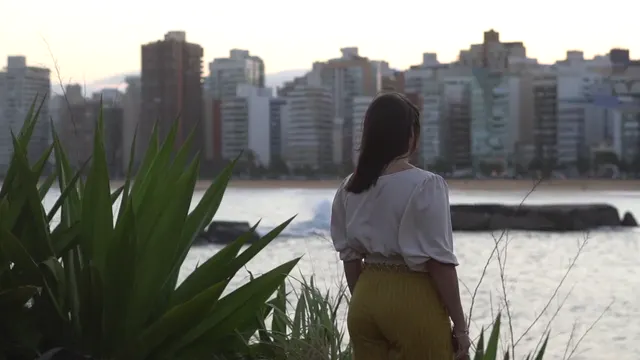
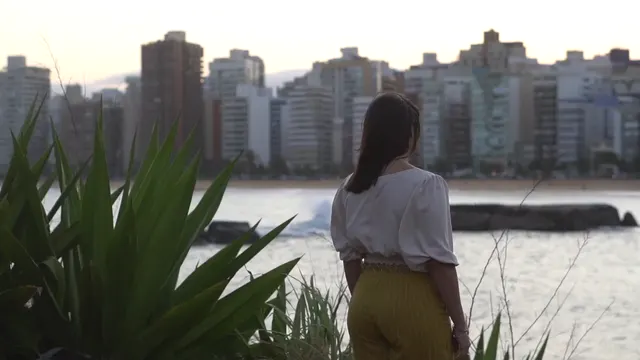
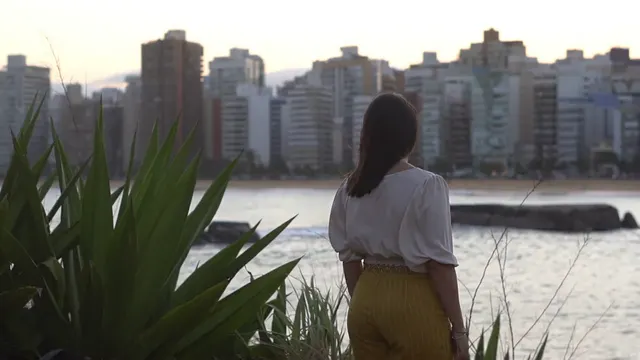
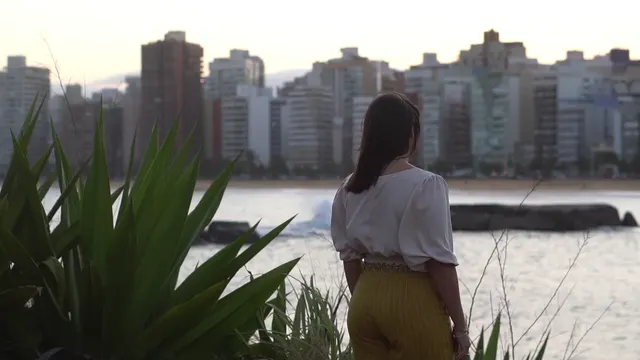
“Remove the people in the background.”
27.5 seconds · 5 shots · no photo · from Pexels: 5375692, 5375693, 5375690, 5375695, 5375696
| Editor | Score | Change (30%) | Kept (30%) | Time (20%) | Real (20%) | Length | Frame kept | Sound added | Cuts kept | Price per edit at 720p |
|---|---|---|---|---|---|---|---|---|---|---|
| Aisma | 5.00 | 5.0 | 5.0 | 5.0 | 5.0 | Same | Yes | No | 4 of 4 | ≈$2.40 |
| Runway | 2.90 | 1.0 | 3.0 | 4.0 | 4.5 | Same | Yes | No | 4 of 4 | ≈$8.04 |
| Kling AIGenerated by Kling AI | 2.20 | 1.0 | 2.0 | 2.5 | 4.0 | +0.54 s | Yes | Yes | 2 of 4 | ≈$4.80 |
| Hailuo AI | No result: Omni Reference takes clips of 2–15 seconds; this one is 27.5 seconds. | |||||||||
| Google Flow | No result: Flow edits up to 15 seconds at a time; this one is 27.5 seconds. | |||||||||
| Higgsfield | No result: Objects swap needs a reference photo, and this request has none. | |||||||||
| Adobe Firefly | No result: Firefly Video 2 takes clips of 5–20 seconds; this one is 27.5 seconds. | |||||||||
| Pika | No result: Swap Anything is built around reference photos; Pika’s result is on edit 7. | |||||||||
Removed the background people in every shot: the beach pair and a figure on the rocks (8.00, 10.75 s), the walker (16.25–21.75 s) and the seated people (22.25–27.25 s), with clean fills, and left shots 1 and 3 as filmed. Aisma did it in one run plus one extra edit of the last shot (22–27.5 s): “Also remove the shirtless man sitting on the sand on the right, beside the blue and yellow striped beach chair.” The price includes both.
Removed no one: the beach pair (8.00, 10.75 s), the walker (16.25–21.75 s) and the seated people (22.25–27.25 s) all remain. The sky and light of 11.25–15.75 s were regraded cooler and the subject of shot 5 brightened, which the request did not ask for.
Removed no one: the beach pair (8.00, 10.75 s) and the seated people (24.75 s) remain, and the walker turned into a dark silhouette (19.00 s). Shot 4 was regraded darker, toward night. Its cuts came late: at 5.25, 16.25 and 22.25 s the previous shot still shows.
EDIT 2
“Remove the people in the background.”
26.5 seconds · 4 shots · no photo · from Pexels: 12185606, 12185612, 12185607, 12185609
| Editor | Score | Change (30%) | Kept (30%) | Time (20%) | Real (20%) | Length | Frame kept | Sound added | Cuts kept | Price per edit at 720p |
|---|---|---|---|---|---|---|---|---|---|---|
| Aisma | 4.35 | 4.0 | 4.5 | 4.5 | 4.5 | Same | Yes | No | 3 of 3 | ≈$2.10 |
| Runway | 3.25 | 1.5 | 4.0 | 4.0 | 4.0 | Same | Yes | No | 3 of 3 | ≈$7.76 |
| Kling AIGenerated by Kling AI | 2.35 | 1.0 | 2.5 | 3.0 | 3.5 | +0.54 s | Yes | Yes | 2 of 3 | ≈$4.63 |
| Hailuo AI | No result: Omni Reference takes clips of 2–15 seconds; this one is 26.5 seconds. | |||||||||
| Google Flow | No result: Flow edits up to 15 seconds at a time; this one is 26.5 seconds. | |||||||||
| Higgsfield | No result: Objects swap needs a reference photo, and this request has none. | |||||||||
| Adobe Firefly | No result: Firefly Video 2 takes clips of 5–20 seconds; this one is 26.5 seconds. | |||||||||
| Pika | No result: Swap Anything is built around reference photos; Pika’s result is on edit 7. | |||||||||
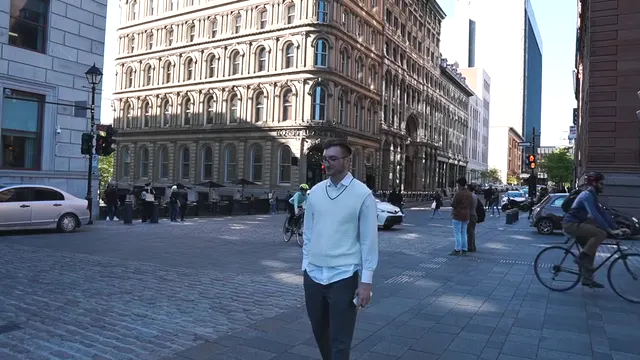
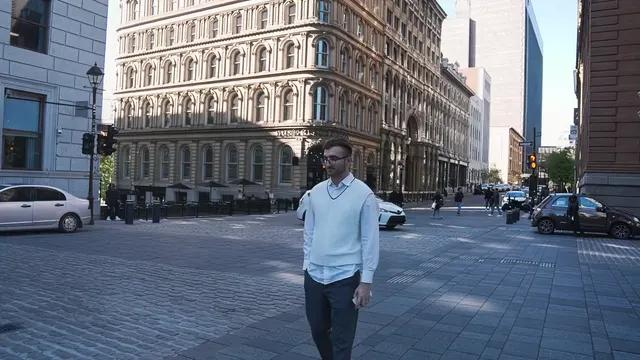
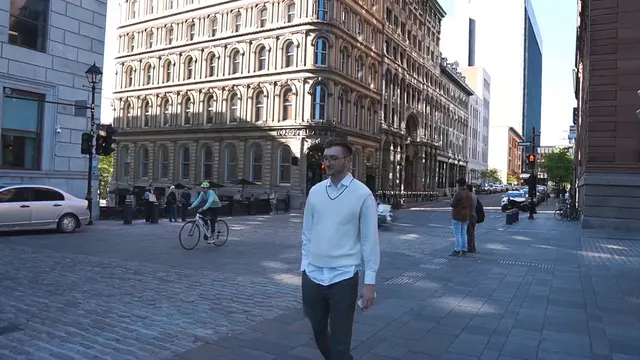
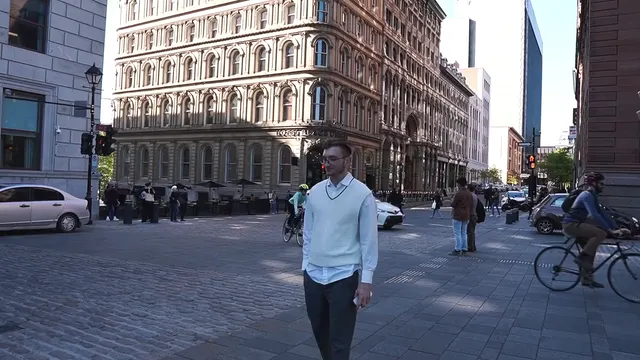
Cleared the background people in shots 1, 3 and 4 with clean fills. A few tiny distant pedestrians remain (0.25, 6.75 s), with a figure at the far left (16.75, 19.75 s) and a faint one at the right edge (26.25 s).
Removed at most the foreground cyclist in shot 1, where the cyclists may only have been reshuffled. The pair and café crowd (3.5, 6.75 s), the bench group (13.75–19.75 s) and the walkers and seated people (20.25–26.25 s) remain.
Removed no one in any shot. At 20.25 s it still shows shot 3 where the source has cut to shot 4. At 23.25 and 26.25 s the man in shot 4 has a second backpack on his shoulder beside the one in his hand.
EDIT 3
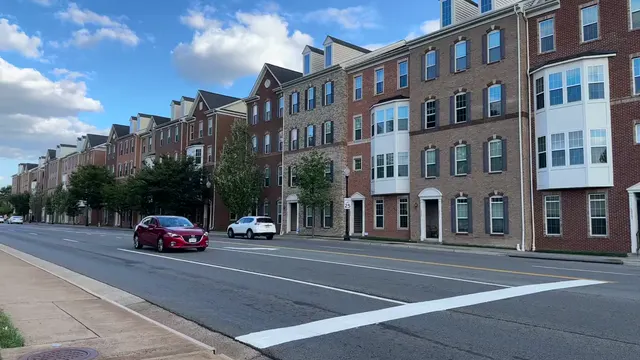
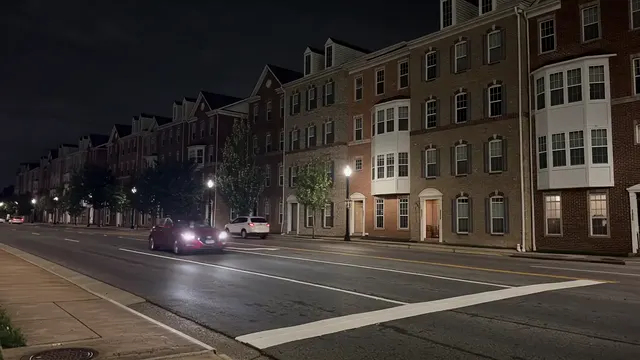
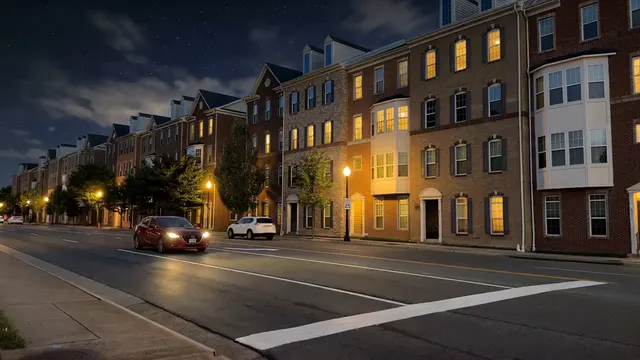
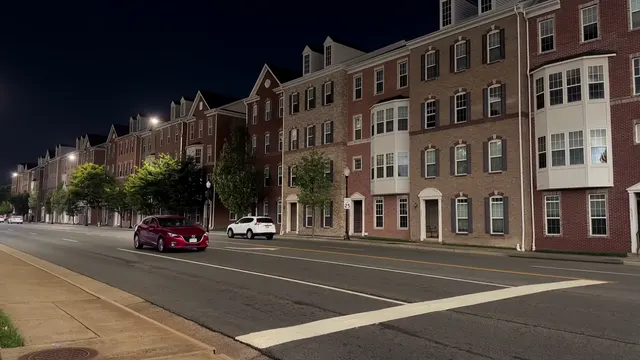
“Make it night.”
21.75 seconds · 4 shots · no photo · from Pexels: 27902012, 27902034, 27902016, 27902013
| Editor | Score | Change (30%) | Kept (30%) | Time (20%) | Real (20%) | Length | Frame kept | Sound added | Cuts kept | Price per edit at 720p |
|---|---|---|---|---|---|---|---|---|---|---|
| Aisma | 4.65 | 4.5 | 5.0 | 4.5 | 4.5 | Same | Yes | No | 3 of 3 | ≈$2.20 |
| Runway | 4.25 | 5.0 | 3.5 | 4.5 | 4.0 | Same | Yes | No | 3 of 3 | ≈$6.36 |
| Kling AIGenerated by Kling AI | 2.35 | 2.5 | 2.0 | 2.0 | 3.0 | +0.29 s | Yes | Yes | 3 of 3 | ≈$3.77 |
| Hailuo AI | No result: Omni Reference takes clips of 2–15 seconds; this one is 21.75 seconds. | |||||||||
| Google Flow | No result: Flow edits up to 15 seconds at a time; this one is 21.75 seconds. | |||||||||
| Higgsfield | No result: Objects swap needs a reference photo, and this request has none. | |||||||||
| Adobe Firefly | No result: Firefly Video 2 takes clips of 5–20 seconds; this one is 21.75 seconds. | |||||||||
| Pika | No result: Swap Anything is built around reference photos; Pika’s result is on edit 7. | |||||||||
Turned all four shots into a convincing night with street lights, keeping the people, cars, framing and cuts. The station shot (11.00–16.50 s) is lit a little flatly, closer to dim daylight.
Turned every shot to night, with lit windows and streetlights. The silver car turned black at 16.50 s and parked cars were removed at 19.25 and 21.50 s. The station shot (11.00–16.50 s) went dark enough to lose background buildings, people and detail.
Shot 2 (6.00–10.50 s) stays in daylight, and from 13.75 to 16.50 s only the sky turned black over a sunlit scene. Shot 2 runs past its cut, still showing at 11.00 s. It added a walker (8.25 s) and a minivan (19.25 s).
EDIT 4
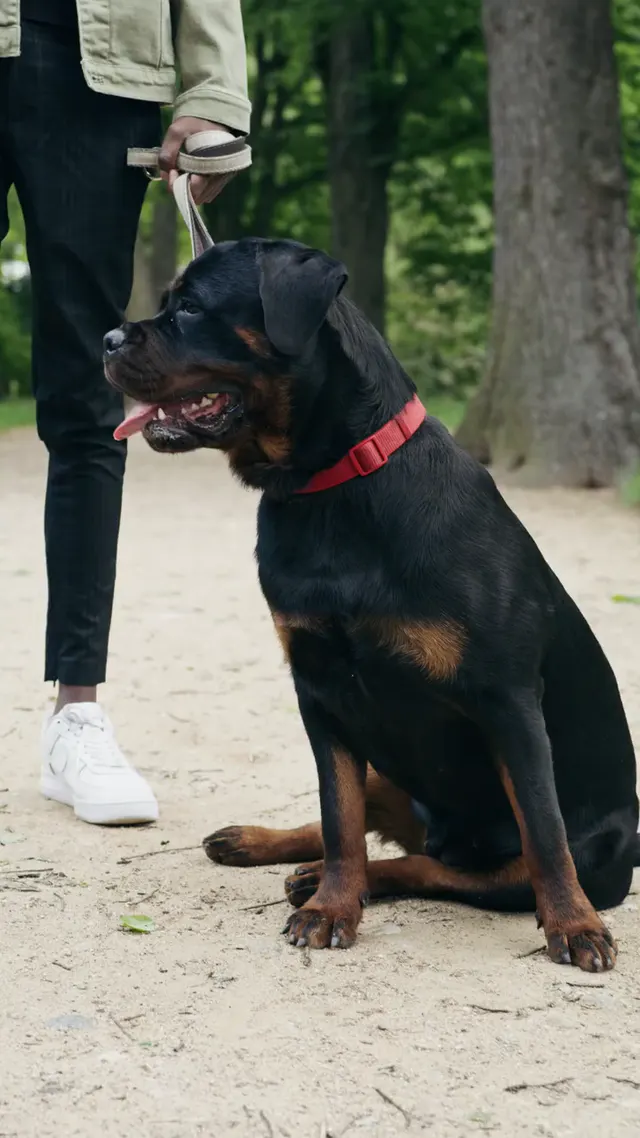
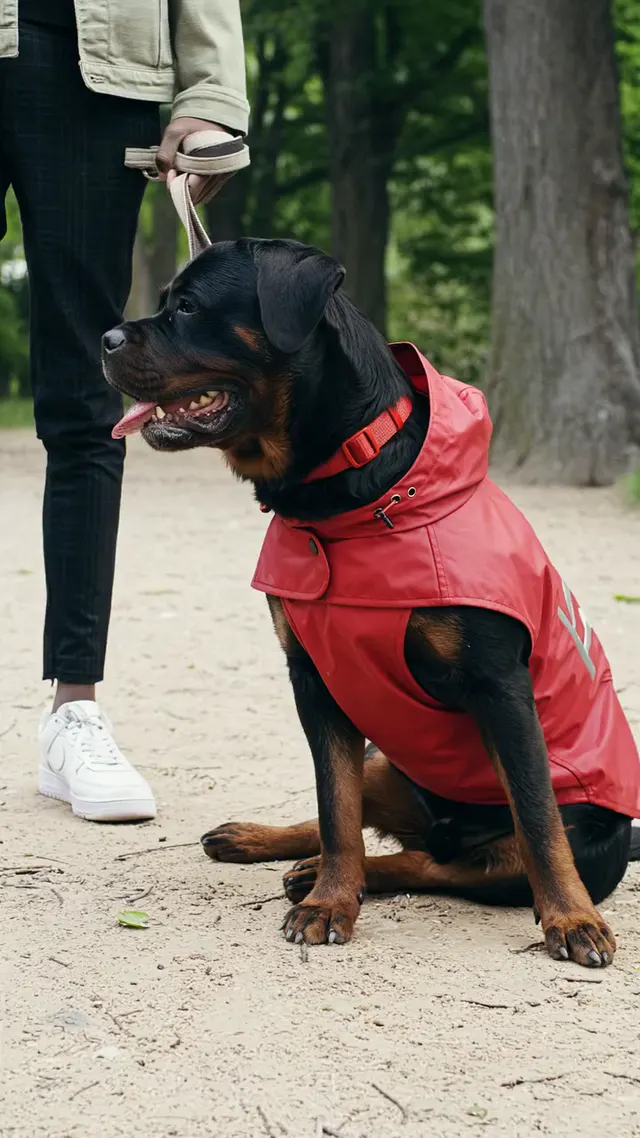
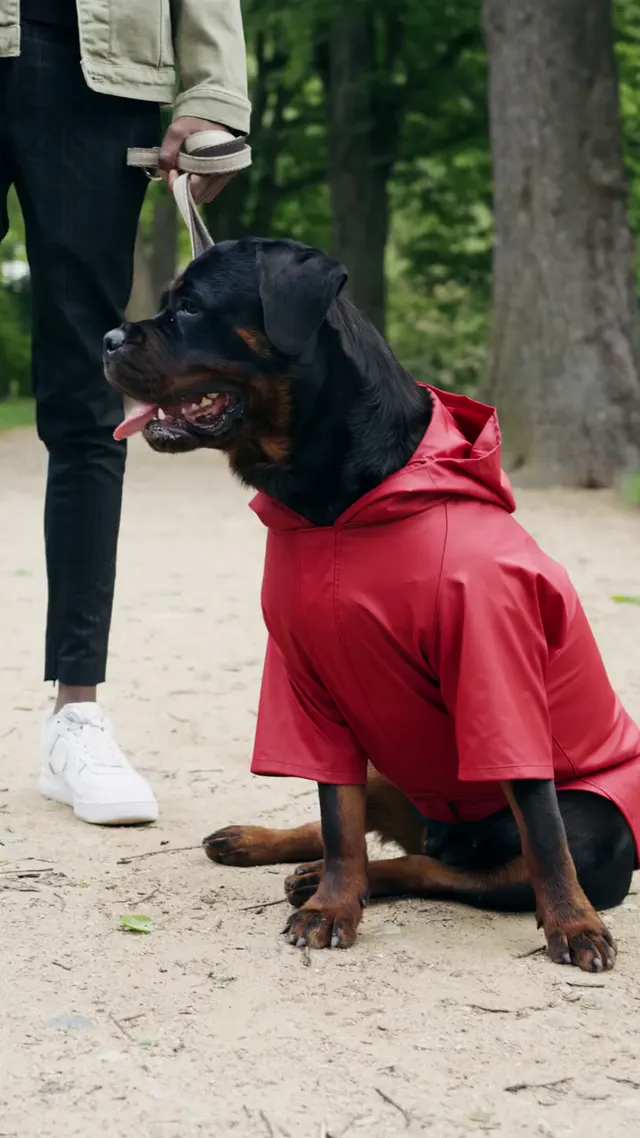
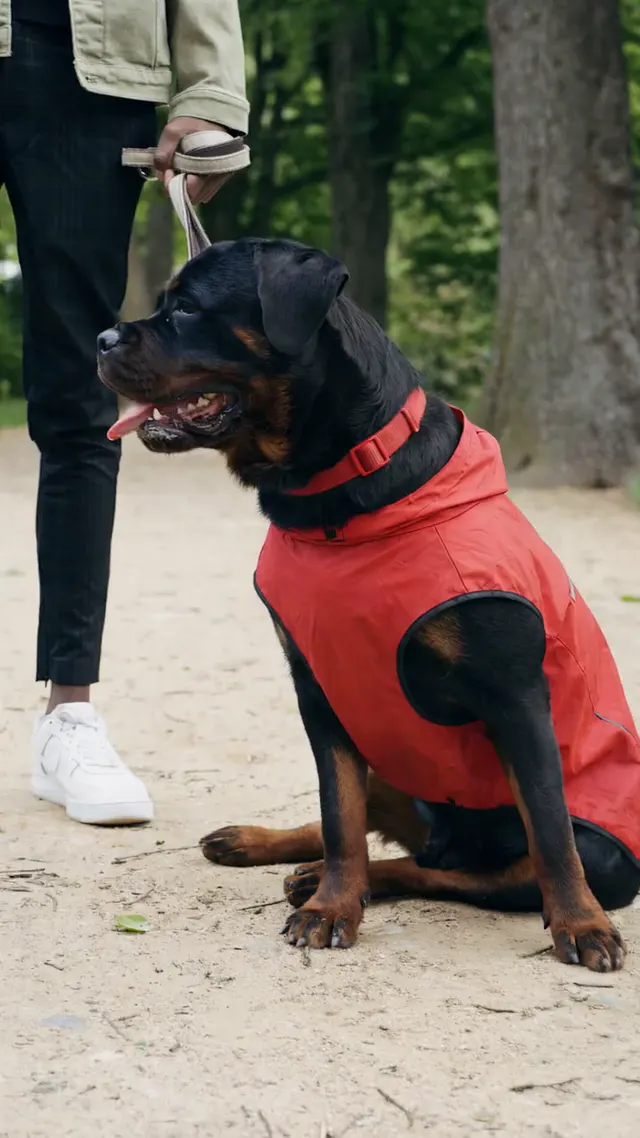
“Put a red raincoat on the dog.”
21 seconds · 6 shots · no photo · from Pexels: 8322555, 8322546, 8322559, 8322563, 8322560, 8322550
| Editor | Score | Change (30%) | Kept (30%) | Time (20%) | Real (20%) | Length | Frame kept | Sound added | Cuts kept | Price per edit at 720p |
|---|---|---|---|---|---|---|---|---|---|---|
| Aisma | 4.90 | 5.0 | 5.0 | 4.5 | 5.0 | Same | Yes | No | 5 of 5 | ≈$2.20 |
| Kling AIGenerated by Kling AI | 4.70 | 5.0 | 4.0 | 5.0 | 5.0 | +0.04 s | Yes | Yes | 3 of 5 | ≈$3.60 |
| Runway | 4.20 | 4.0 | 5.0 | 3.5 | 4.0 | Same | Yes | No | 5 of 5 | ≈$6.08 |
| Hailuo AI | No result: Omni Reference takes clips of 2–15 seconds; this one is 21 seconds. | |||||||||
| Google Flow | No result: Flow edits up to 15 seconds at a time; this one is 21 seconds. | |||||||||
| Higgsfield | No result: Objects swap needs a reference photo, and this request has none. | |||||||||
| Adobe Firefly | No result: Firefly Video 2 takes clips of 5–20 seconds; this one is 21 seconds. | |||||||||
| Pika | No result: Swap Anything is built around reference photos; Pika’s result is on edit 7. | |||||||||
Put a glossy red raincoat on the dog in all six shots, keeping its red collar, the cuts and the framing, with no visible artifacts. The coat’s design may shift a little between shots: hooded at 0.25 s, plainer and without a hood at 10.25 s.
Put the same red hooded raincoat on the dog in every shot. Two cuts come late: at 14.25 s it still shows the walking shot where the source has cut to the man, and at 17.25 s it still shows the bench shot.
Put a red garment on the dog in every shot, but it reads more as a padded vest than a raincoat. Its design changes between shots: a hooded zip at 6.75 s, a flat band at 12.00 s that looks pasted on and a zip vest at 14.25 s; the hood appears at 6.75 and 17.25 s but not in shot 1.
EDIT 5
“Make it winter.”
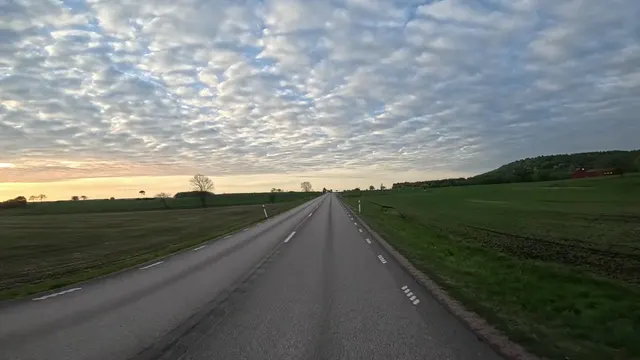
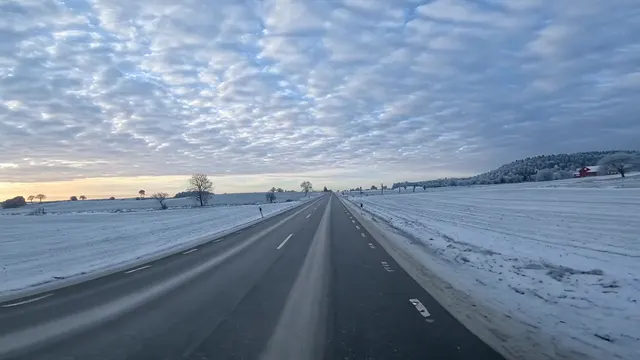
43 seconds · one shot · no photo · from Pexels: 37909698
| Editor | Score | Change (30%) | Kept (30%) | Time (20%) | Real (20%) | Length | Frame kept | Sound added | Price per edit at 720p |
|---|---|---|---|---|---|---|---|---|---|
| Aisma | 4.00 | 5.0 | 3.0 | 4.0 | 4.0 | Same | Yes | No | ≈$4.90 |
| Runway | No result: Edit Studio takes clips up to 30 seconds; this one is 43 seconds. | ||||||||
| Kling AI | No result: Omni reference takes clips of 3–30 seconds; this one is 43 seconds. | ||||||||
| Hailuo AI | No result: Omni Reference takes clips of 2–15 seconds; this one is 43 seconds. | ||||||||
| Google Flow | No result: Flow edits up to 15 seconds at a time; this one is 43 seconds. | ||||||||
| Higgsfield | No result: Objects swap takes clips of 4–30 seconds; this one is 43 seconds. | ||||||||
| Adobe Firefly | No result: Firefly Video 2 takes clips of 5–20 seconds; this one is 43 seconds. | ||||||||
| Pika | No result: Swap Anything is built around reference photos; Pika’s result is on edit 7. | ||||||||
Turned all 43 seconds to winter in one go, with snow everywhere. It also added scenery the request did not ask for: power lines from 23.86 s, large trees at 33.31 and 42.75 s and a sign at 9.69 s.
EDIT 6
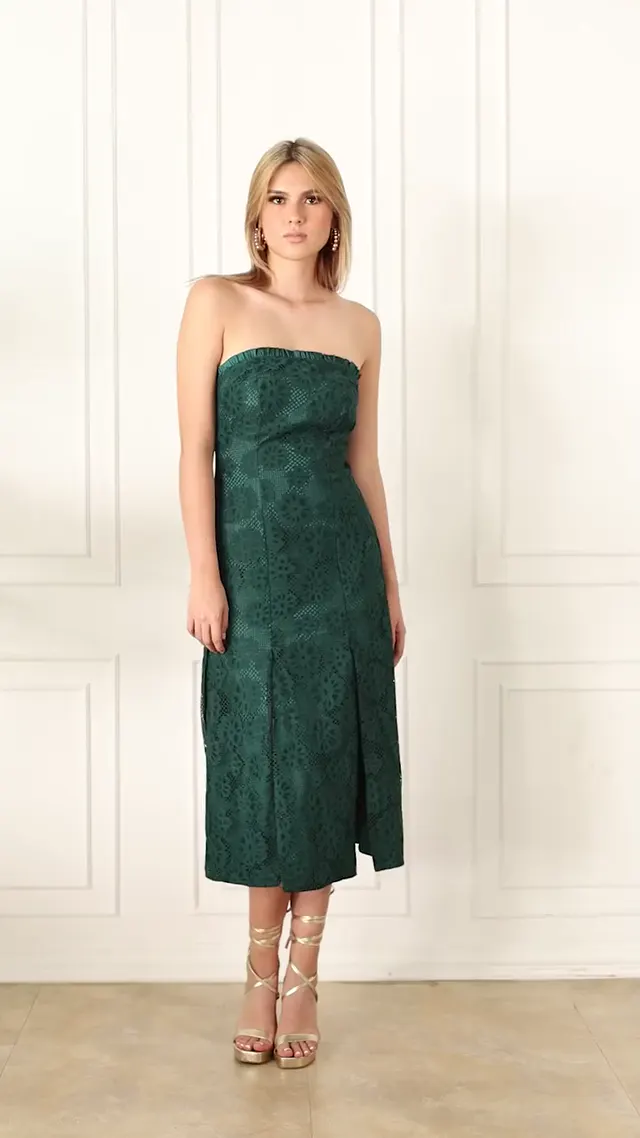
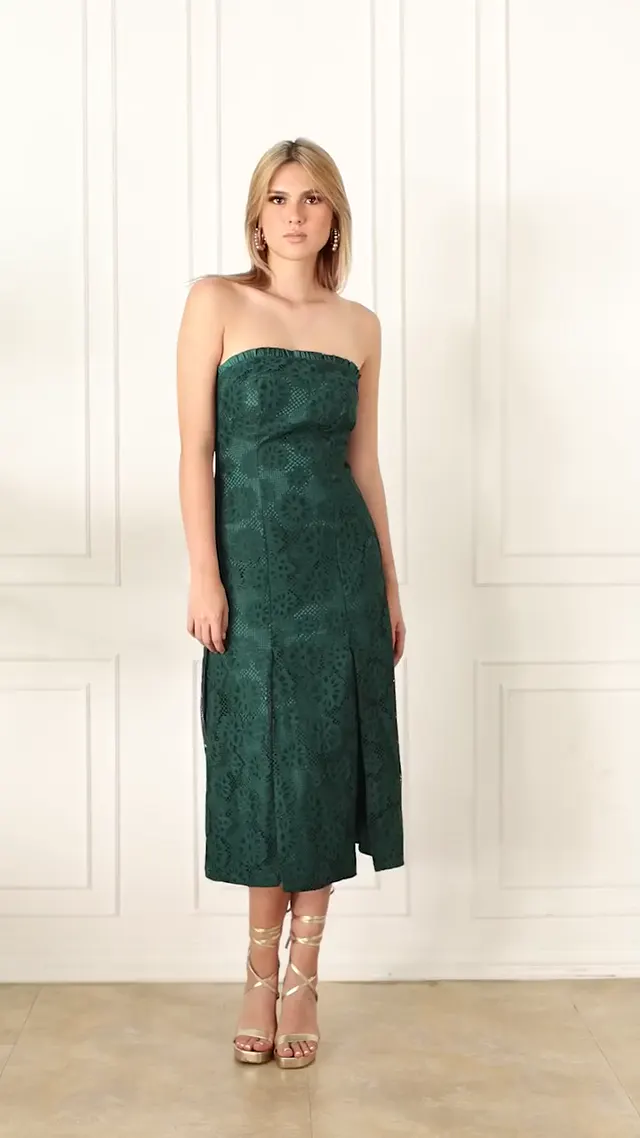
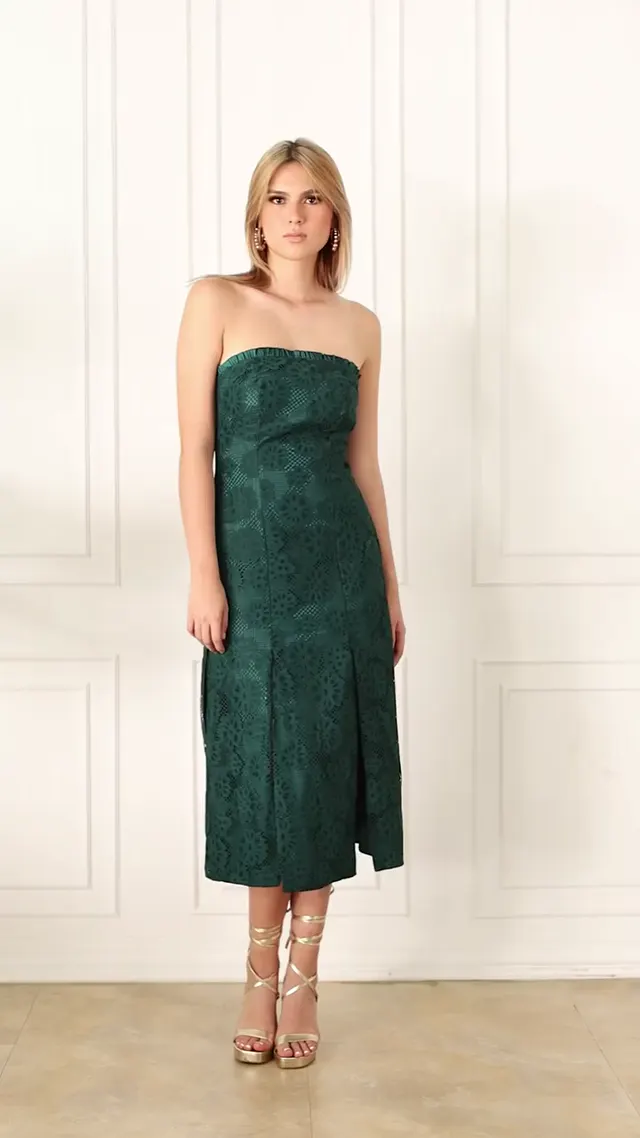
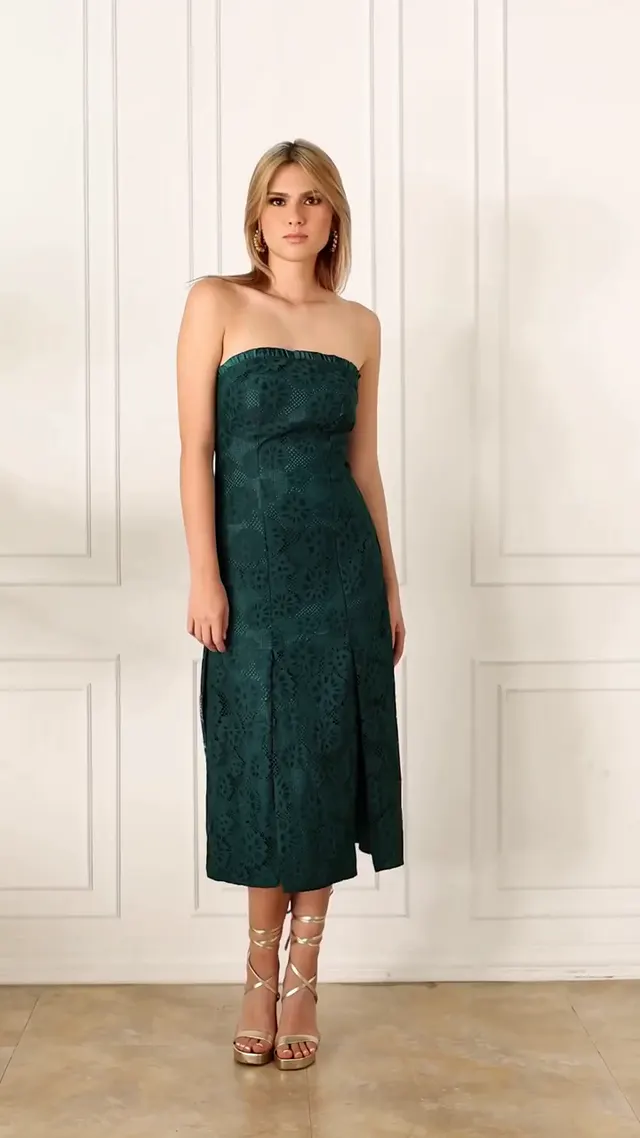
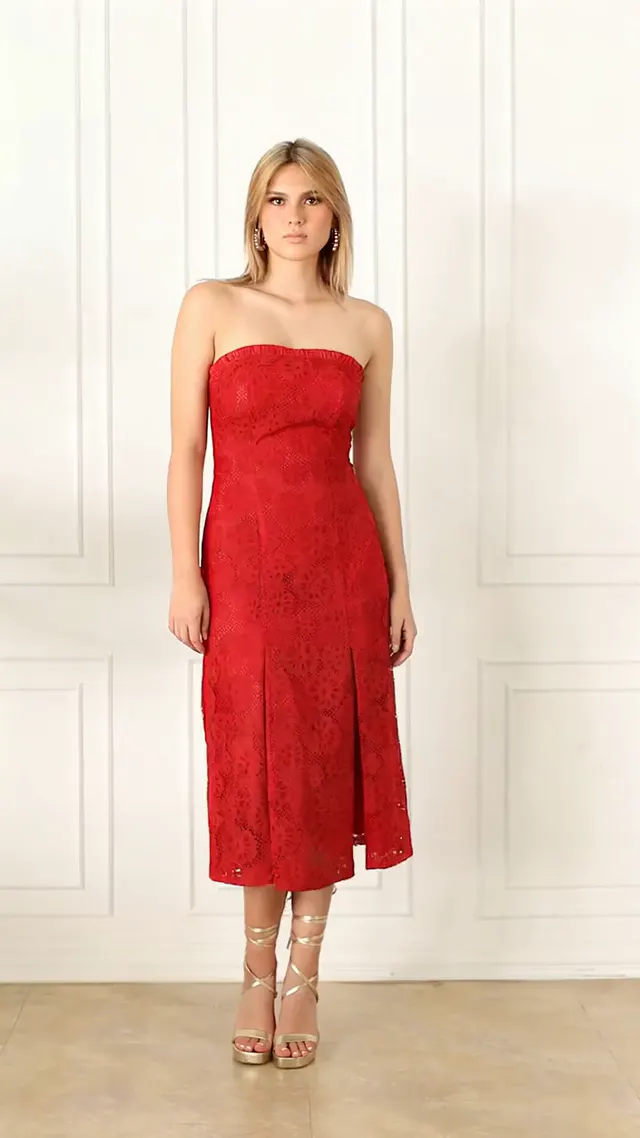
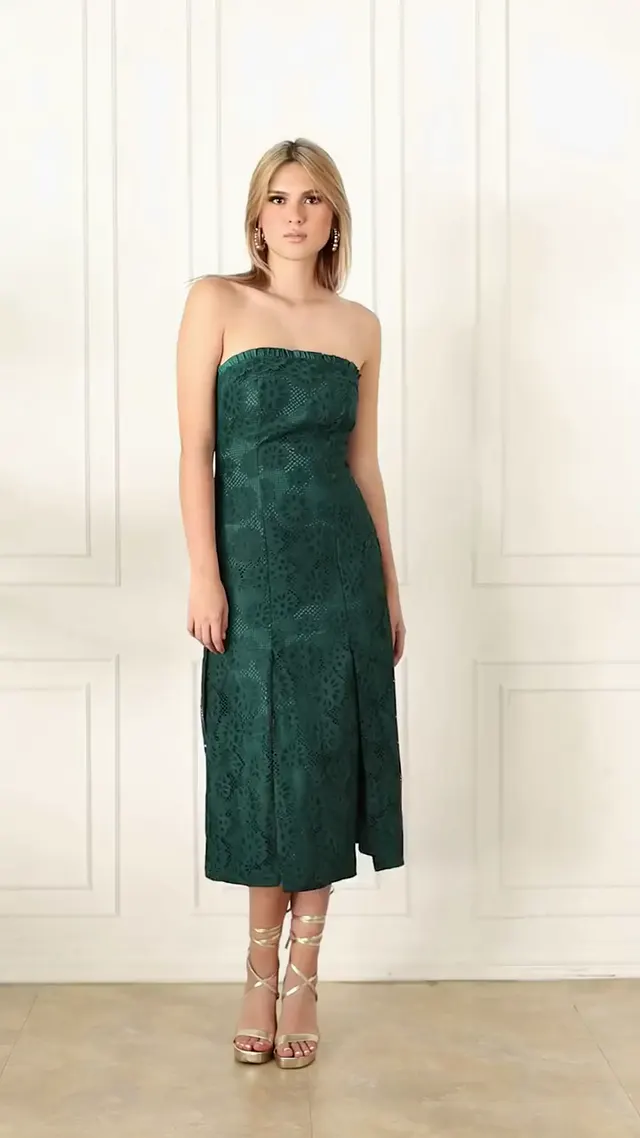
“Make the white dress red.”
14.79 seconds · 3 shots · no photo · from Pexels: 12723362Edit 7, next, puts a long, detailed request on the same clip.
| Editor | Score | Change (30%) | Kept (30%) | Time (20%) | Real (20%) | Length | Frame kept | Sound added | Cuts kept | Price per edit at 720p |
|---|---|---|---|---|---|---|---|---|---|---|
| Aisma | 4.60 | 5.0 | 4.0 | 5.0 | 4.5 | Same | Yes | No | 2 of 2 | ≈$0.60 |
| Kling AIGenerated by Kling AI | 4.30 | 5.0 | 3.0 | 5.0 | 4.5 | +0.25 s | Yes | Yes | 2 of 2 | ≈$2.57 |
| Hailuo AI | 3.20 | 4.0 | 2.0 | 3.0 | 4.0 | +0.29 s | Yes | Yes | 0 of 2 | ≈$2.10 |
| Runway | 2.15 | 1.0 | 1.5 | 3.5 | 3.5 | Same | Yes | No | 2 of 2 | ≈$4.40 |
| Adobe Firefly | 2.10 | 4.0 | 1.0 | 1.0 | 2.0 | −4.71 s | Yes | No | 0 of 2 | ≈$2.63 |
| Google Flow | 0 | Failed: Flow removed its own result (“Video removed”). | ||||||||
| Higgsfield | No result: Objects swap needs a reference photo, and this request has none. | |||||||||
| Pika | No result: Swap Anything is built around reference photos; Pika’s result is on edit 7. | |||||||||
Turned the white dress red throughout its shot and left the green and the yellow dress shots untouched. In that shot the background turned slightly cooler, and the eyelet lace may read bolder than filmed (3.83, 6.50 s).
Turned the white dress red throughout shot 2. At 3.83 and 6.50 s her tinted glasses became black sunglasses, and the lace dress became plain satin with a flared skirt.
Turned shot 2 red but re-staged it: at 3.83 s she faces away. The white close-up at 9.17 s is gone, with the striped-dress shot in its place, and shot 3 (9.67–14.54 s) was regenerated with different framing, poses and cut point.
Turned the green dress of shot 1 red (0.25–3.33 s) and left the white dress white (3.83, 6.50, 9.17 s). The close-up at 9.17 s is softened or smeared, and the pattern at 9.67 s was recolored.
Turned the dress red in shot 2 (3.83, 6.50 s); at 9.17 s the close-up is smeared and the lace lost. At 9.67 s, where the source shows the blue-and-yellow dress, it still shows a blurry red close-up, and its file ends at 10.08 seconds, so the rest of that shot is missing.
EDIT 7
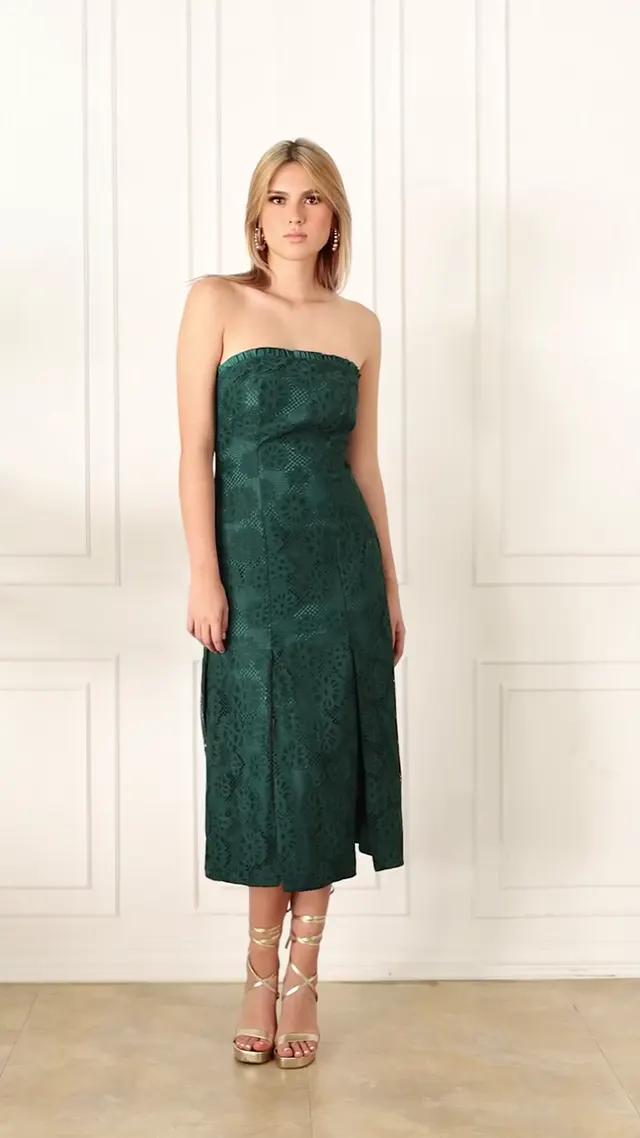
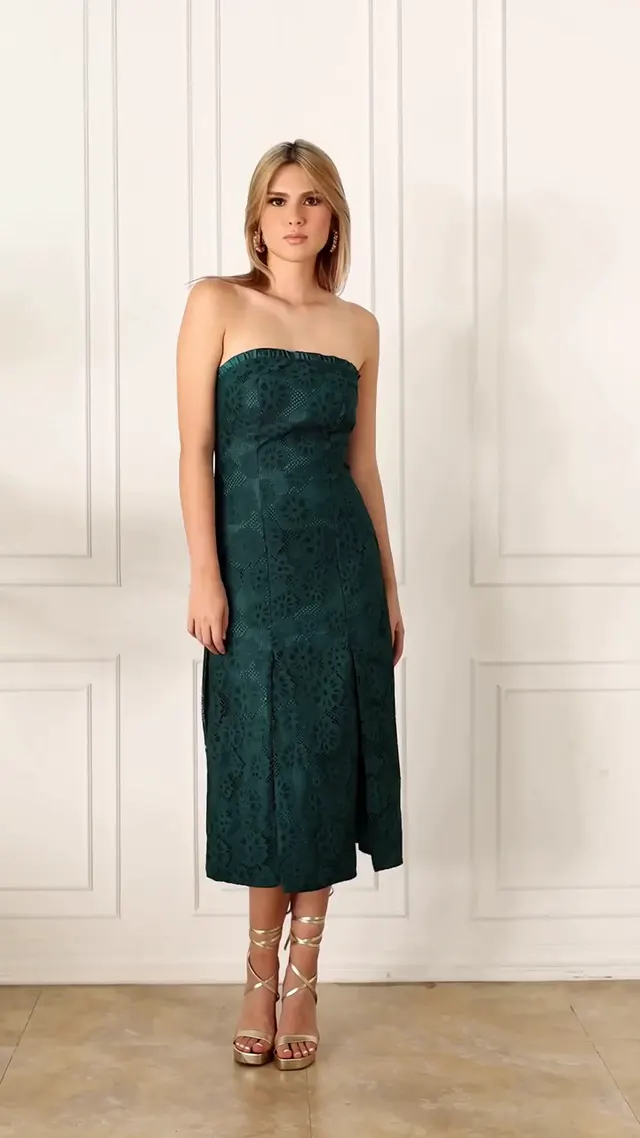
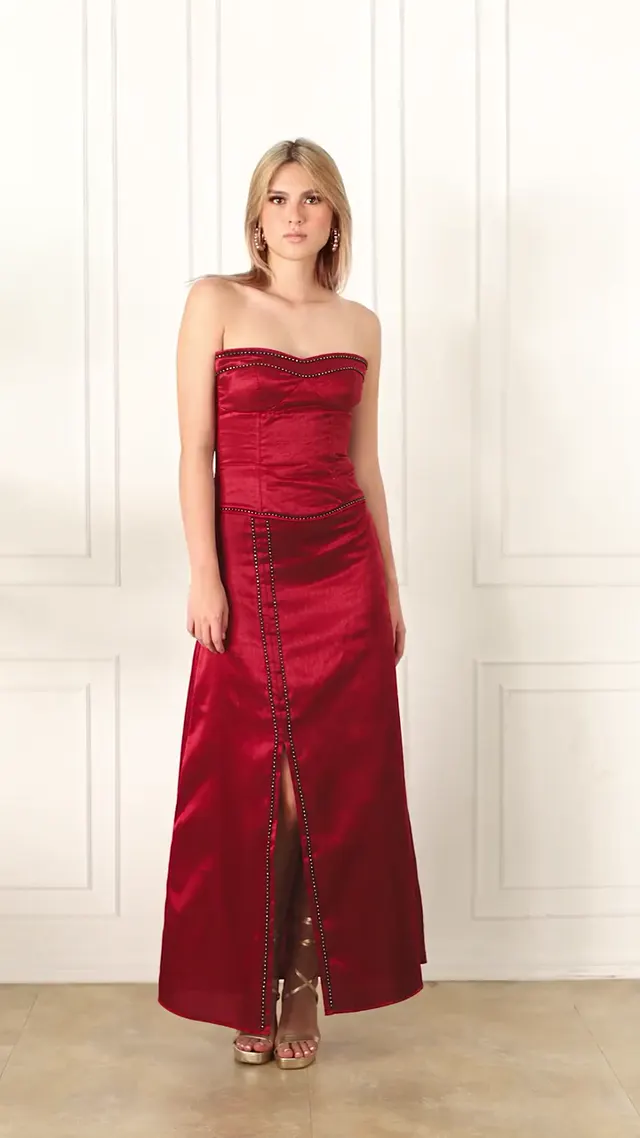
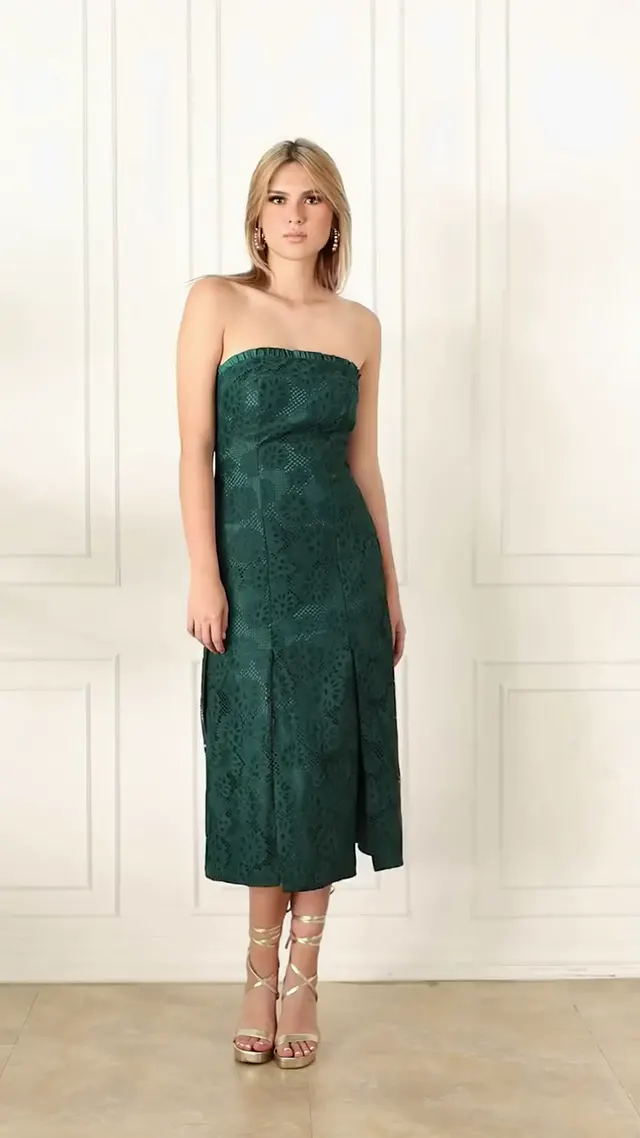
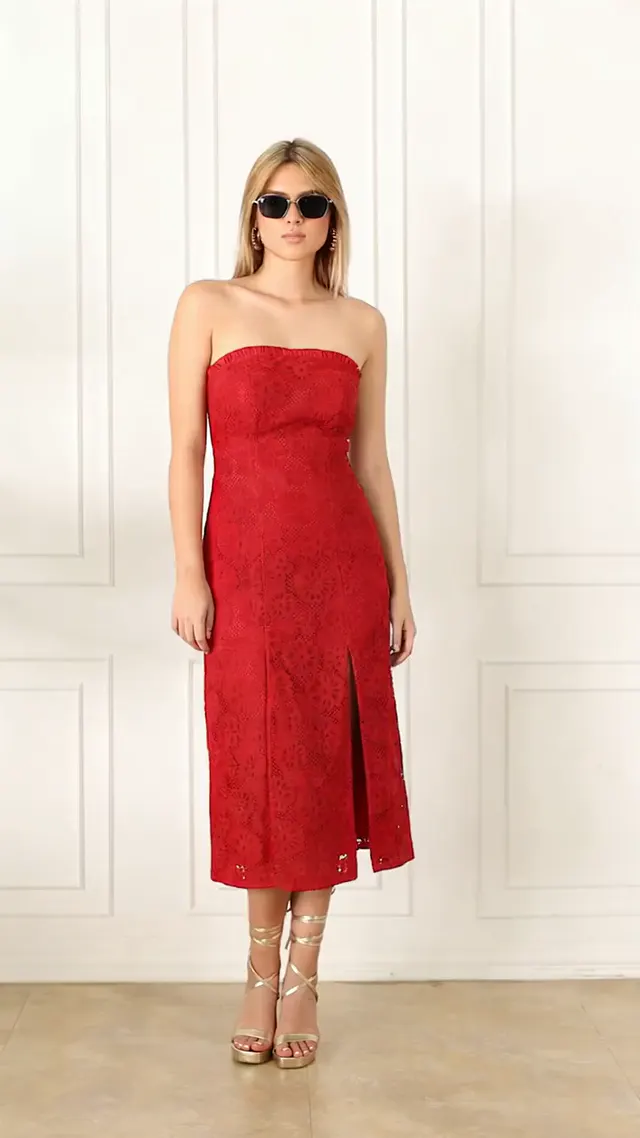
“In the shot where she wears the white strapless dress, change it to a solid red dress with the same cut, fit and slits. Keep the shot in the green dress and the shot in the blue-and-yellow striped dress exactly as filmed, and keep her face, hair, sunglasses, sandals, movement, the white wall, the light and the camera.”
14.79 seconds · 3 shots · no photo · from Pexels: 12723362The same clip as edit 6, with a long, detailed request.
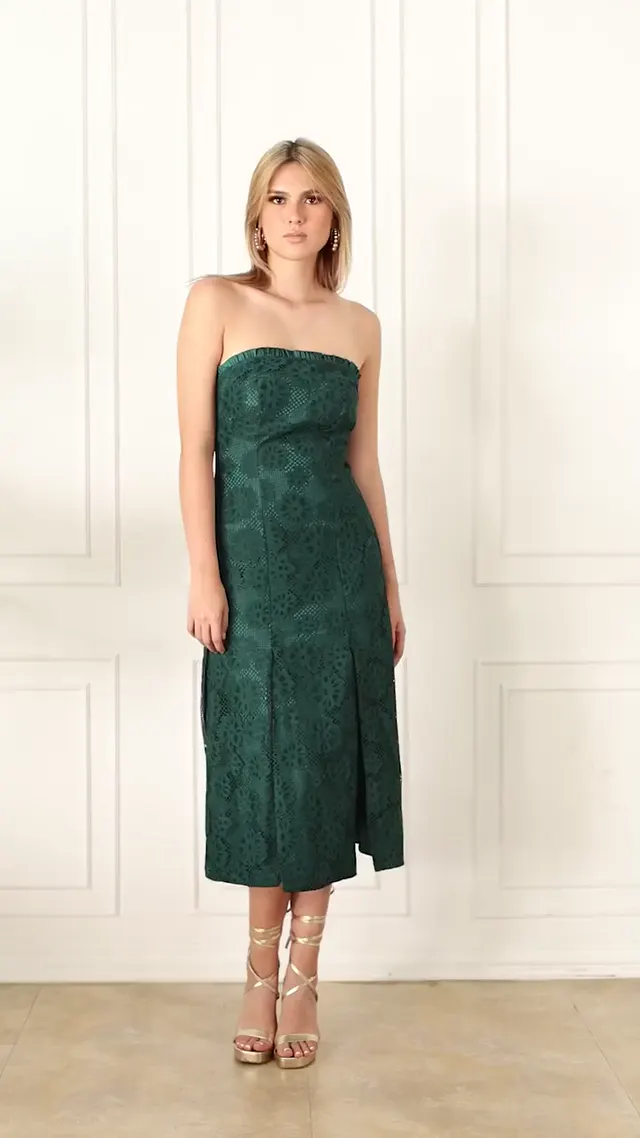
| Editor | Score | Change (30%) | Kept (30%) | Time (20%) | Real (20%) | Length | Frame kept | Sound added | Cuts kept | Price per edit at 720p |
|---|---|---|---|---|---|---|---|---|---|---|
| Aisma | 4.70 | 5.0 | 4.0 | 5.0 | 5.0 | Same | Yes | No | 2 of 2 | ≈$0.60 |
| Kling AIGenerated by Kling AI | 2.95 | 3.0 | 3.5 | 2.0 | 3.0 | +0.25 s | Yes | Yes | 1 of 2 | ≈$2.57 |
| Hailuo AI | 2.85 | 3.5 | 2.0 | 2.5 | 3.5 | +0.29 s | Yes | Yes | 1 of 2 | ≈$2.10 |
| Pika | 2.80 | 3.0 | 1.0 | 4.0 | 4.0 | −0.08 s | Yes | No | 1 of 2 | ≈$4.85, Pika’s estimate |
| Adobe Firefly | 2.15 | 3.5 | 1.0 | 2.0 | 2.0 | −4.71 s | Yes | No | 1 of 2 | ≈$2.63 |
| Runway | 2.10 | 1.0 | 1.0 | 3.5 | 4.0 | Same | Yes | No | 2 of 2 | ≈$4.40 |
| Google Flow | 0 | Failed: Flow showed an error and returned no video. | ||||||||
| Higgsfield | No result: Objects swap needs a reference photo, and this request has none. | |||||||||
Turned the white dress red throughout its shot, keeping the cut, the slits and the eyelet texture, and kept the green and the striped dress shots as filmed. The wall in that shot turned slightly cooler (3.83–6.50 s).
At 3.83 s the white-dress shot opens in a green dress with a red flap. At 6.50 s the dress is red but flared, with several slits, losing the straight cut. The striped shot may also have been regenerated, with her in another position (12.10, 14.54 s).
At 3.83 s she is seen from the back in a green dress, not a red one, and her pose changed at 3.33 s. The striped shot was regenerated with a different pose, position, pattern and motion (12.10–14.54 s), and her face is smeared at 14.54 s.
Swap Anything needs a reference photo for an outfit, so it also got a photo of a red strapless gown, with the request and a pointer to that photo. It put the same long red satin gown in all three shots, replacing the green dress (0.25–3.33 s) and the striped one (9.67–14.54 s) as well, and changed the cut and length from midi to floor length.
Turned the dress solid red with its slits at 3.83–6.50 s. From 9.17 s the picture goes dark, nearly black at 9.67 s, where the source shows the striped dress, and its file ends at 10.08 seconds, so the rest of that shot is missing. Her pose also appears changed at 3.33 s.
Turned the green dress red instead (0.25–3.33 s) and left the white dress white (3.83–9.17 s). It put dark sunglasses in every shot, replacing her tinted pair at 6.50 s and adding a new pair at 12.10 s.
EDIT 8
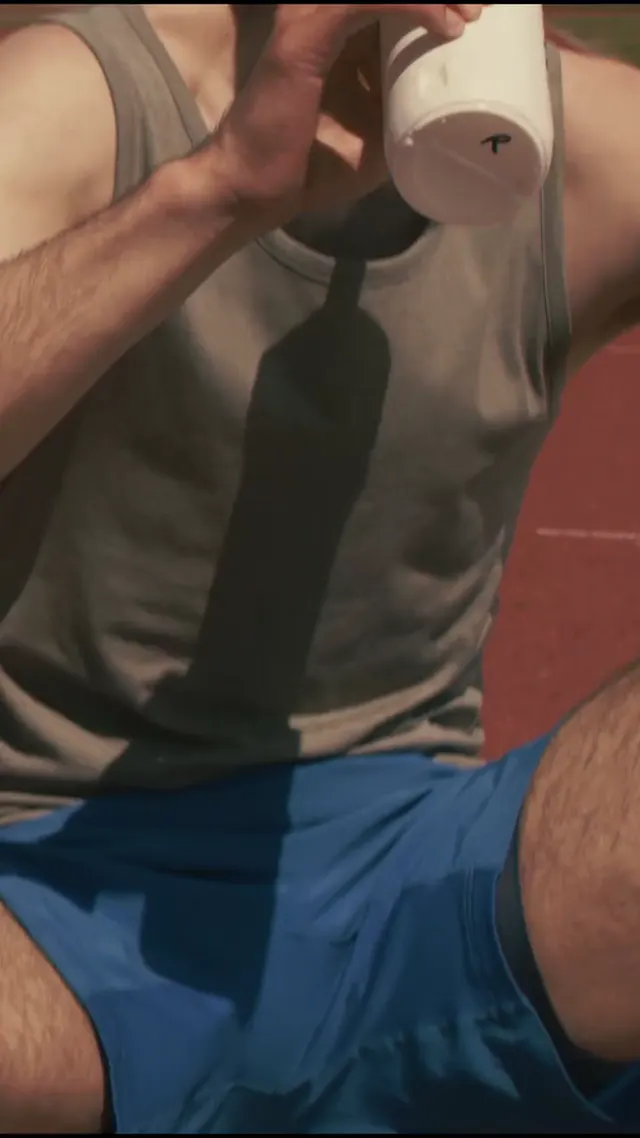
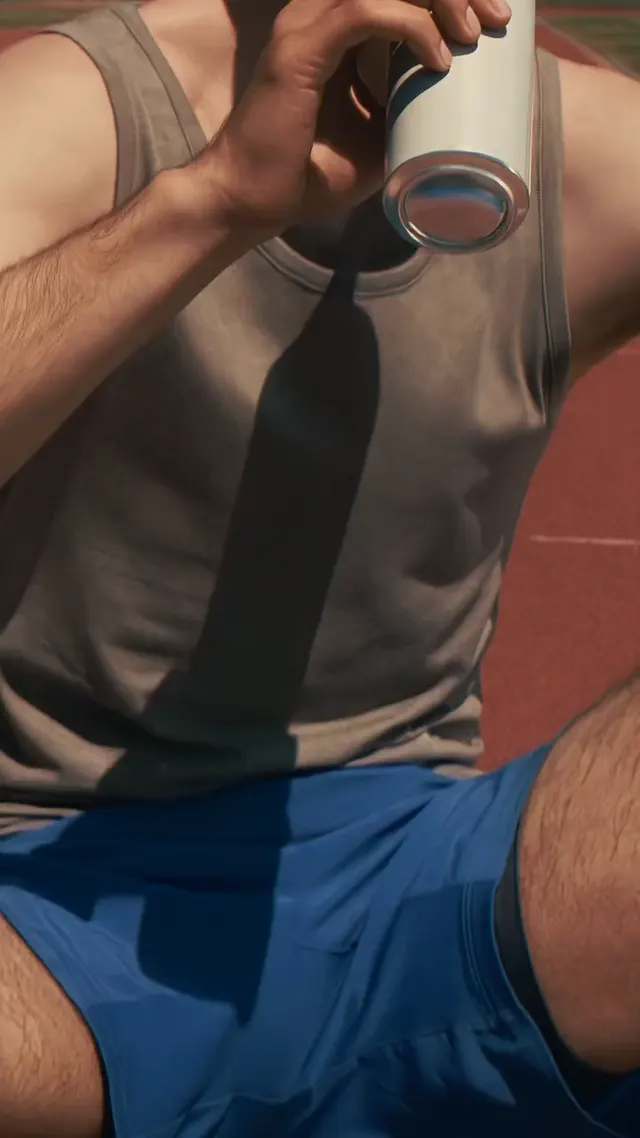
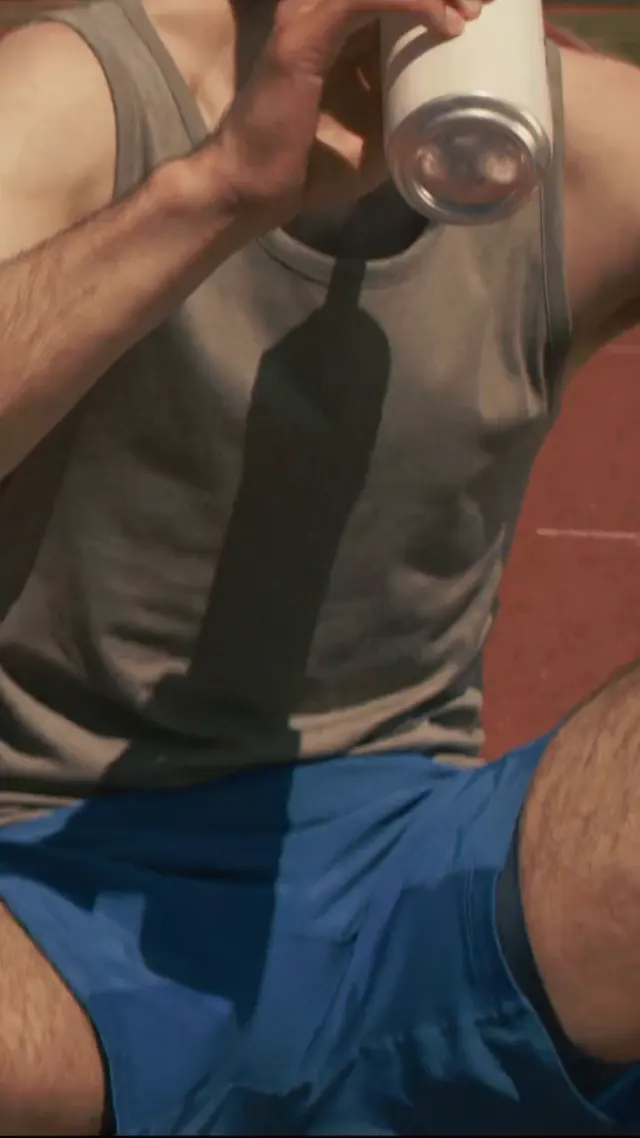
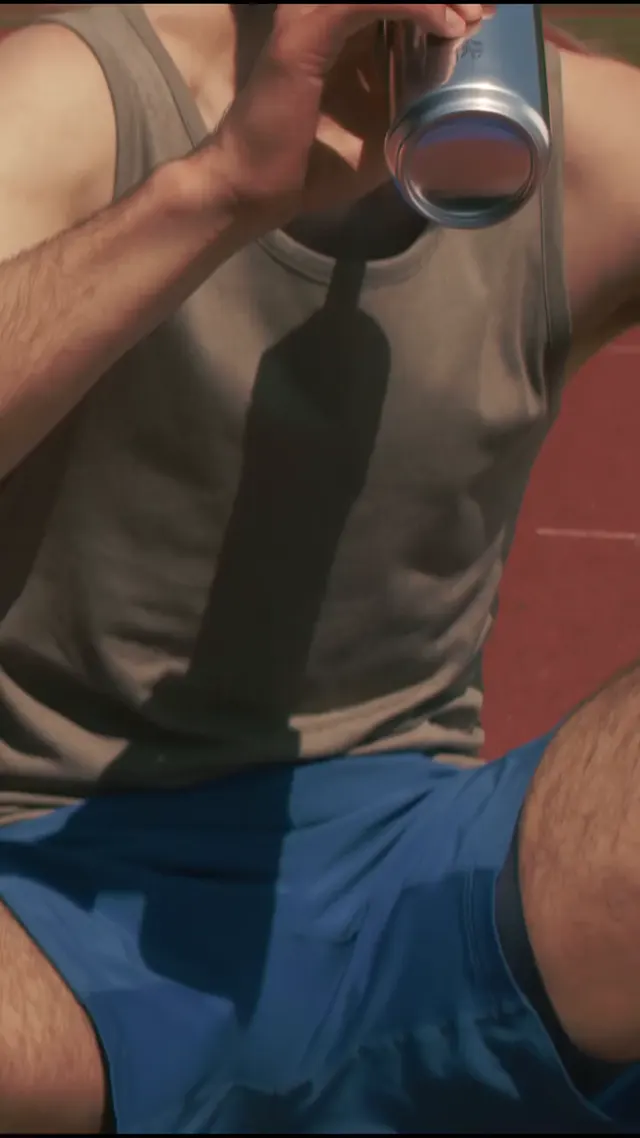
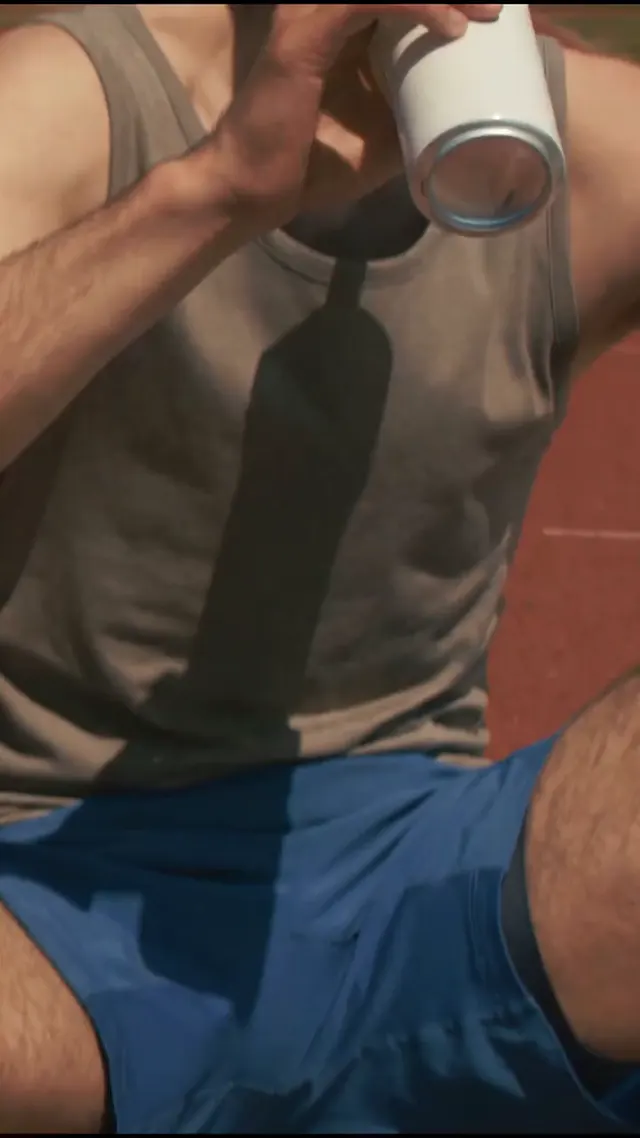
“Swap the drink for the can in the photo.”
19.5 seconds · 3 shots · a photo of a white can · from Pexels: 8533907, 8533909, 8533915
| Editor | Score | Change (30%) | Kept (30%) | Time (20%) | Real (20%) | Length | Frame kept | Sound added | Cuts kept | Price per edit at 720p |
|---|---|---|---|---|---|---|---|---|---|---|
| Aisma | 4.55 | 5.0 | 4.5 | 4.0 | 4.5 | Same | Yes | No | 2 of 2 | ≈$2.10 |
| Higgsfield | 3.95 | 3.5 | 5.0 | 3.5 | 3.5 | −0.12 s | Yes | No | 2 of 2 | ≈$6.77 |
| Kling AIGenerated by Kling AI | 3.70 | 3.0 | 5.0 | 3.5 | 3.0 | +0.54 s | Yes | Yes | 2 of 2 | ≈$3.43 |
| Runway | 2.40 | 1.5 | 2.5 | 2.0 | 4.0 | Same | Yes | No | 2 of 2 | ≈$5.80 |
| Hailuo AI | No result: Omni Reference takes clips of 2–15 seconds; this one is 19.5 seconds. | |||||||||
| Google Flow | No result: Flow edits up to 15 seconds at a time; this one is 19.5 seconds. | |||||||||
| Adobe Firefly | No result: This request comes with a photo, and Firefly Video 2 takes no reference photo. | |||||||||
| Pika | No result: Swap Anything is built around reference photos; Pika’s result is on edit 7. | |||||||||
Replaced the bottle with the white can in all three shots and kept the scene. The grip on it changes at 3.25 s, the framing may shift a little at 6.25 s, and in shot 3 the can turns light gray (13.25, 16.25 s).
Put a white can in shots 1 and 2, though the object at 6.25 s may read as an unclear tall cylinder. In shot 3 (13.25–16.25 s) it is an oversized white cylinder with the label removed and no can rim, closer to the bottle or a tube than a can.
Swapped in a can in every shot, but a chrome blue or silver one, not the white can from the photo. At 6.25 and 12.75 s the can keeps the sport bottle’s cap, and its color shifts between shots.
Shows the can only at 0.25 s; from 3.25 s on the bottle stays. It added text to the bottle at 6.25 s and replaced the stadium seats and trees of shot 3 with track (13.25, 19.25 s).
EDIT 9
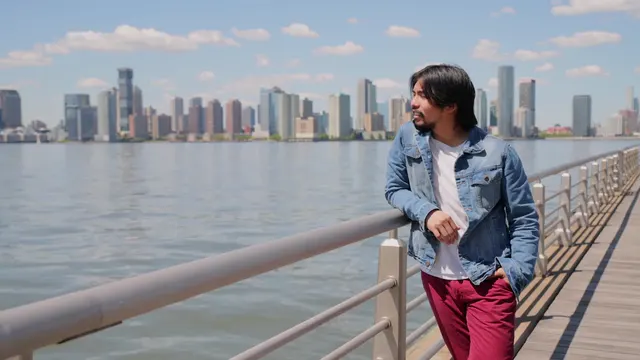
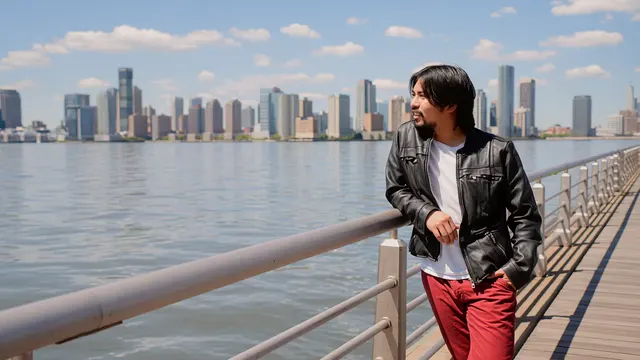
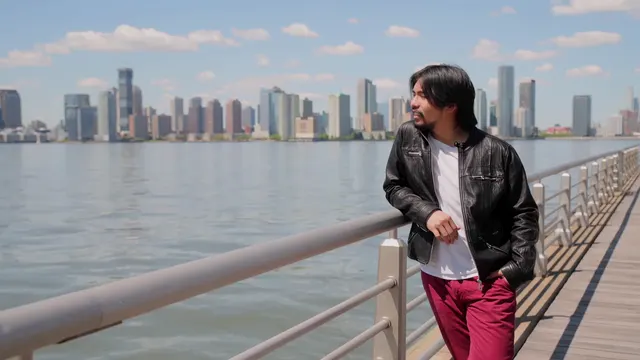
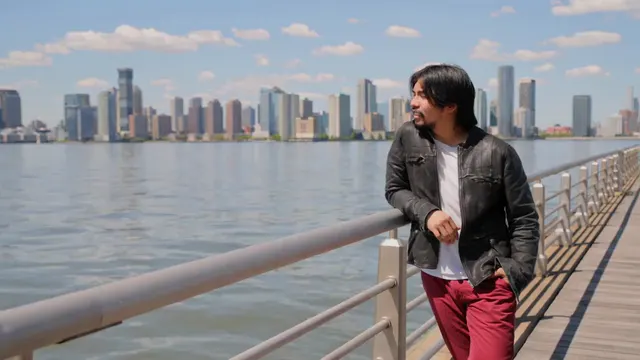
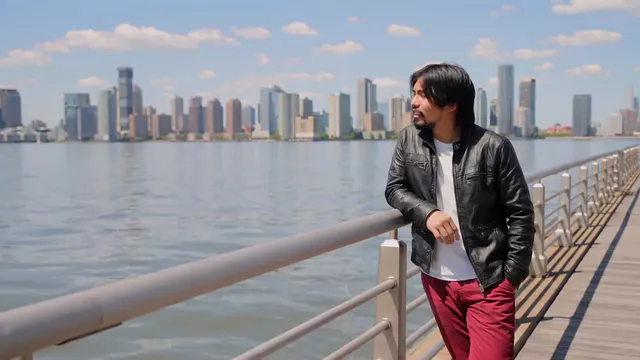
“Put him in the jacket from the photo.”
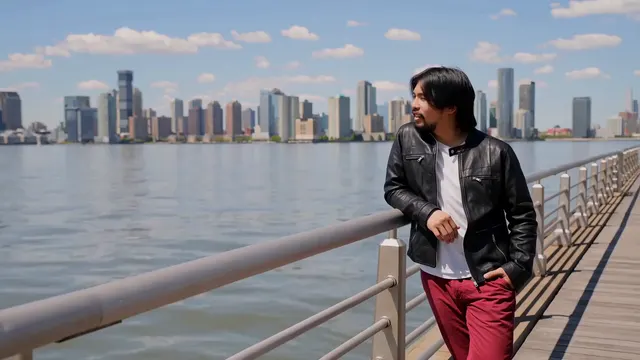
14 seconds · 3 shots · a photo of a black leather jacket · from Pexels: 8151834, 8151840
| Editor | Score | Change (30%) | Kept (30%) | Time (20%) | Real (20%) | Length | Frame kept | Sound added | Cuts kept | Price per edit at 720p |
|---|---|---|---|---|---|---|---|---|---|---|
| Aisma | 5.00 | 5.0 | 5.0 | 5.0 | 5.0 | Same | Yes | No | 2 of 2 | ≈$1.40 |
| Kling AIGenerated by Kling AI | 4.75 | 4.5 | 5.0 | 5.0 | 4.5 | +0.04 s | Yes | Yes | 2 of 2 | ≈$2.40 |
| Higgsfield | 4.60 | 4.0 | 5.0 | 5.0 | 4.5 | −0.29 s | Yes | No | 2 of 2 | ≈$4.74 |
| Runway | 4.40 | 4.0 | 5.0 | 4.0 | 4.5 | Same | Yes | No | 2 of 2 | ≈$4.12 |
| Hailuo AI | 3.20 | 4.0 | 2.0 | 3.0 | 4.0 | +0.38 s | Yes | Yes | 1 of 2 | ≈$1.96 |
| Google Flow | 0 | Failed: Flow refused the clip upload, so nothing was generated. | ||||||||
| Adobe Firefly | No result: This request comes with a photo, and Firefly Video 2 takes no reference photo. | |||||||||
| Pika | No result: Swap Anything is built around reference photos; Pika’s result is on edit 7. | |||||||||
Put him in a black, distressed leather jacket with a stand collar and zip pockets, a close match for the photo, in all three shots. His face, pose and red trousers, the background and the cuts were kept, with no visible problems.
Put him in a black leather jacket with zip pockets in all shots and kept the scene, his face and the cuts. The jacket is close to the photo, though it may be smoother, with a more generic collar than the photo’s distressed stand collar. His right hand on the railing is smeared at 4.75 s.
Put him in a distressed stand-collar leather jacket with zip pockets in every shot, but faded charcoal-gray rather than the photo’s black. At 7.50 s his raised hand is blurry and its pose differs slightly; the scene was kept.
Put him in a glossy leather jacket, not the photo’s distressed one, with few of its zip details. The design changes between shots: a shirt collar at 0.25 and 12.00 s, a stand collar and flap pockets at 7.50 s. His right hand is slightly smeared at 4.75 s.
Put him in a jacket close to the photo in every shot, but changed the shots: shot 2 already shows at 4.75 s, his pose changed at 7.50 s, and shot 3 (9.75–13.75 s) was replaced by a different canopy-pier scene and framing.
EDIT 10
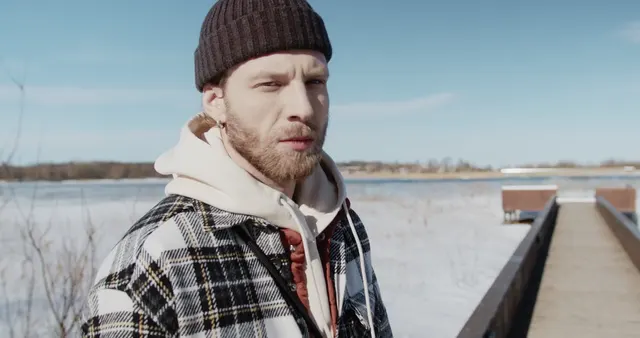
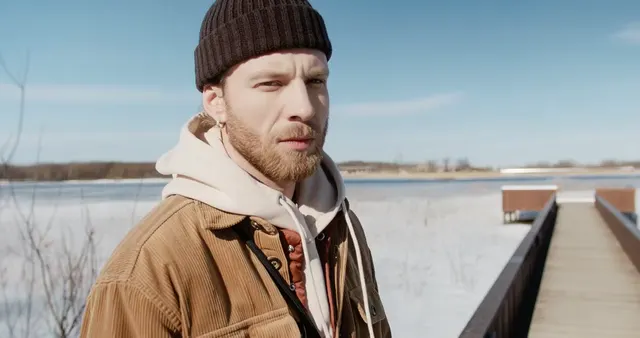
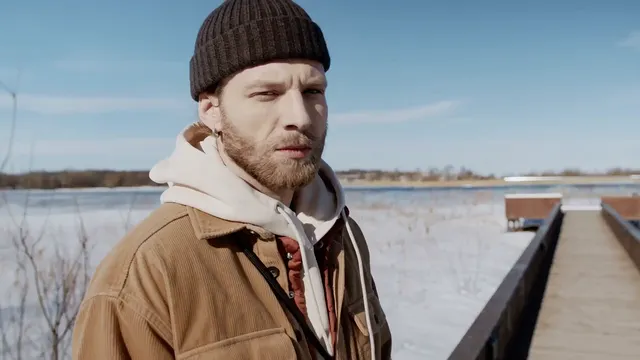
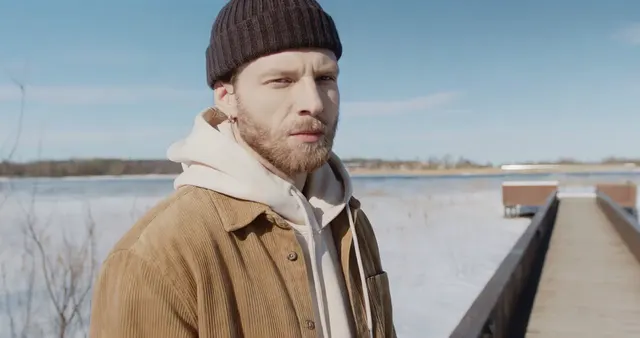
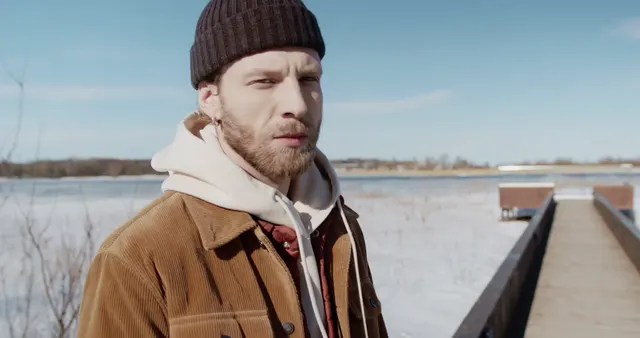
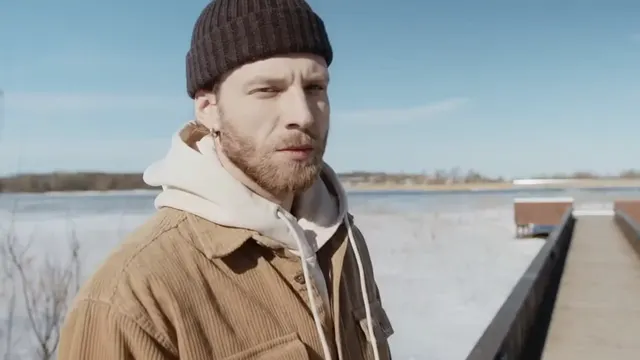
“Change his plaid overshirt to a plain camel corduroy overshirt with the same fit. Keep his brown beanie, beige hoodie, face, movement, the boardwalk, the water, the light and the camera.”
7.96 seconds · one shot · no photo · from Pexels: 7496173
| Editor | Score | Change (30%) | Kept (30%) | Time (20%) | Real (20%) | Length | Frame kept | Sound added | Price per edit at 720p |
|---|---|---|---|---|---|---|---|---|---|
| Aisma | 5.00 | 5.0 | 5.0 | 5.0 | 5.0 | Same | Yes | No | ≈$0.80 |
| Hailuo AI | 4.85 | 5.0 | 4.5 | 5.0 | 5.0 | +0.04 s | No | Yes | ≈$1.12 |
| Runway | 4.40 | 5.0 | 3.0 | 5.0 | 5.0 | Same | Yes | No | ≈$2.44 |
| Kling AIGenerated by Kling AI | 4.40 | 4.0 | 4.0 | 5.0 | 5.0 | +0.08 s | Yes | Yes | ≈$1.37 |
| Google Flow | 4.40 | 5.0 | 3.0 | 5.0 | 5.0 | +0.08 s | No | Yes | ≈$0.48 |
| Higgsfield | No result: Objects swap needs a reference photo, and this request has none. | ||||||||
| Adobe Firefly | No result: Firefly Video 2 grayed itself out for this clip: “Not compatible with your current video”. | ||||||||
| Pika | No result: Swap Anything is built around reference photos; Pika’s result is on edit 7. | ||||||||
Changed the overshirt to camel corduroy at every moment and kept the red inner layer, the bag strap, the hoodie, the beanie, his face and the boardwalk. Clean and consistent throughout, with no visible problems.
Changed the overshirt to camel corduroy with a similar fit at every moment and kept the strap, the red inner layer, the hoodie, the beanie, his face and the boardwalk. At 6.22 and 7.71 s his head pose and eyes may drift slightly, with a small shift in framing.
Changed the overshirt to camel corduroy throughout, but removed the red inner layer and the crossbody strap at every moment (0.25, 6.22 s); the hoodie fills the gap.
Changed the overshirt to corduroy throughout, but in a darker rust or cognac rather than camel, and removed the bag strap at every moment (0.25–7.71 s). It kept the red inner layer, which may look repatterned at 6.22 s, the hoodie, the beanie and the scene.
Changed the overshirt to camel corduroy everywhere, with a slightly boxier fit, but replaced the red inner layer and removed the crossbody strap throughout (0.25–7.71 s).
EDIT 11
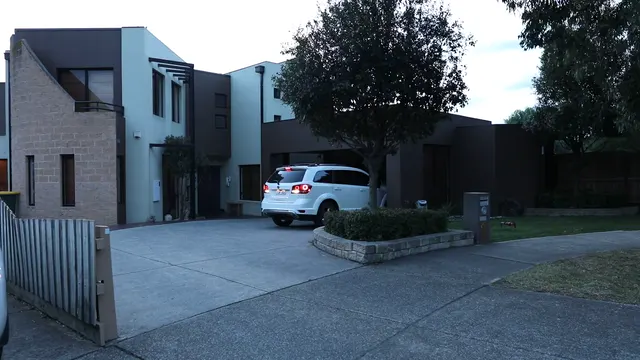
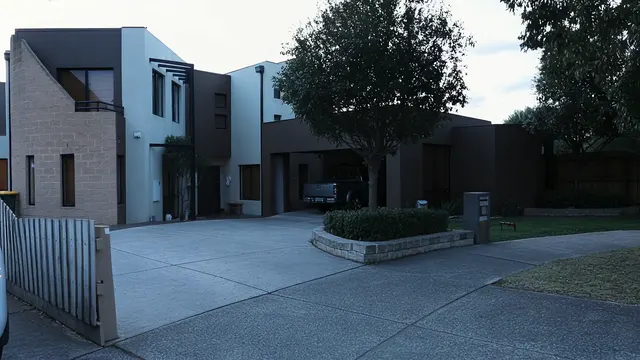
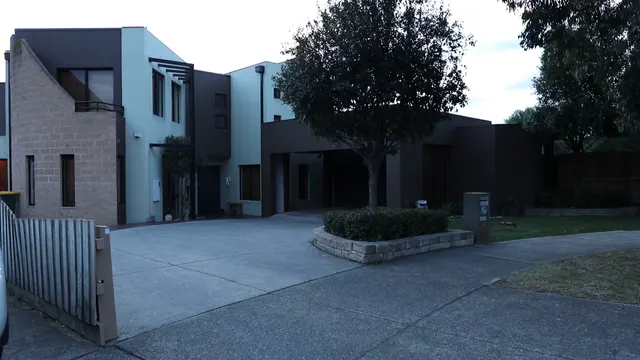
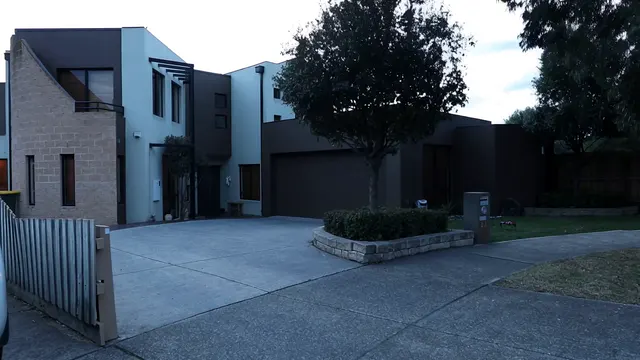
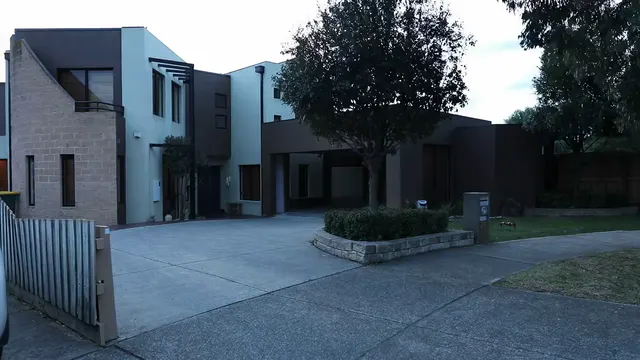
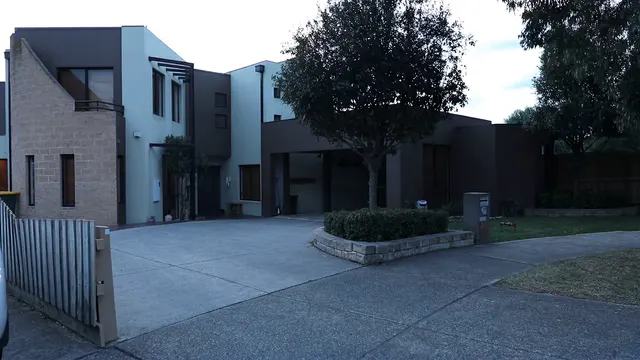
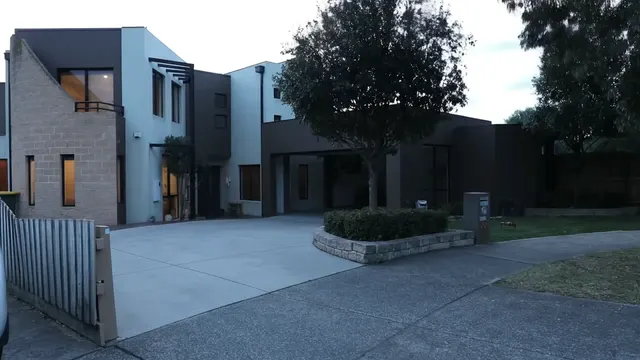
“Remove the white SUV from the driveway for the whole clip and rebuild the paving and the garage behind it. Keep the houses, the tree, the planter, the gate, the light and the camera.”
7.96 seconds · one shot · no photo · from Pexels: 29635453
| Editor | Score | Change (30%) | Kept (30%) | Time (20%) | Real (20%) | Length | Frame kept | Sound added | Price per edit at 720p |
|---|---|---|---|---|---|---|---|---|---|
| Aisma | 5.00 | 5.0 | 5.0 | 5.0 | 5.0 | Same | Yes | No | ≈$0.80 |
| Kling AIGenerated by Kling AI | 4.70 | 5.0 | 4.0 | 5.0 | 5.0 | +0.08 s | Yes | Yes | ≈$1.37 |
| Hailuo AI | 4.70 | 5.0 | 4.0 | 5.0 | 5.0 | +0.04 s | Yes | Yes | ≈$1.12 |
| Adobe Firefly | 4.70 | 5.0 | 4.0 | 5.0 | 5.0 | Same | Yes | No | ≈$2.11 |
| Runway | 4.50 | 5.0 | 4.0 | 4.5 | 4.5 | Same | Yes | No | ≈$2.44 |
| Google Flow | 4.30 | 5.0 | 3.0 | 5.0 | 4.5 | +0.08 s | Yes | Yes | ≈$0.48 |
| Higgsfield | No result: Objects swap needs a reference photo, and this request has none. | ||||||||
| Pika | No result: Swap Anything is built around reference photos; Pika’s result is on edit 7. | ||||||||
Removed the SUV at every moment and rebuilt the paving, joints and all, and the open garage with the pickup inside it, as filmed. The houses, tree, planter, gate and camera were kept, with a slight overall shift in brightness.
Removed the SUV throughout and kept the rest of the scene. It rebuilt the garage dark and empty, so the pickup inside it is gone too (6.22–7.71 s).
Removed the SUV throughout and kept everything else, but rebuilt the open garage as a closed garage door, which hides the pickup (0.25–7.71 s).
Removed the SUV throughout and kept the rest, but rebuilt the garage interior lighter and empty, removing the pickup inside it (6.22, 7.71 s).
Removed the SUV throughout and kept everything else, but rebuilt the garage as an empty, lit carport, so the pickup inside is gone (6.22, 7.71 s). Shelves inside the garage appear and shift between 0.25 s and 3.23–6.22 s.
Removed the SUV at every moment, but lit the house windows and doorway with warm lights the request did not ask for (0.25–7.71 s). It repaved the driveway smoother and lighter than the source and removed the pickup in the garage.
PRICES
Close scores, higher prices: ten results from the other editors came within half a point of Aisma’s score, and every one of those edits cost more than Aisma’s.
| Edit | Editor | Score | Price per edit at 720p |
|---|---|---|---|
| Edit 1 | Aisma | 5.00 | ≈$2.40 |
| Edit 1 | Runway | 2.90 | ≈$8.04 |
| Edit 1 | Kling AIGenerated by Kling AI | 2.20 | ≈$4.80 |
| Edit 2 | Aisma | 4.35 | ≈$2.10 |
| Edit 2 | Runway | 3.25 | ≈$7.76 |
| Edit 2 | Kling AIGenerated by Kling AI | 2.35 | ≈$4.63 |
| Edit 3 | Aisma | 4.65 | ≈$2.20 |
| Edit 3 | Runway | 4.25 | ≈$6.36 |
| Edit 3 | Kling AIGenerated by Kling AI | 2.35 | ≈$3.77 |
| Edit 4 | Aisma | 4.90 | ≈$2.20 |
| Edit 4 | Kling AIGenerated by Kling AI | 4.70 | ≈$3.60 |
| Edit 4 | Runway | 4.20 | ≈$6.08 |
| Edit 5 | Aisma | 4.00 | ≈$4.90 |
| Edit 6 | Aisma | 4.60 | ≈$0.60 |
| Edit 6 | Kling AIGenerated by Kling AI | 4.30 | ≈$2.57 |
| Edit 6 | Hailuo AI | 3.20 | ≈$2.10 |
| Edit 6 | Runway | 2.15 | ≈$4.40 |
| Edit 6 | Adobe Firefly | 2.10 | ≈$2.63 |
| Edit 7 | Aisma | 4.70 | ≈$0.60 |
| Edit 7 | Kling AIGenerated by Kling AI | 2.95 | ≈$2.57 |
| Edit 7 | Hailuo AI | 2.85 | ≈$2.10 |
| Edit 7 | Pika | 2.80 | ≈$4.85, Pika’s estimate |
| Edit 7 | Adobe Firefly | 2.15 | ≈$2.63 |
| Edit 7 | Runway | 2.10 | ≈$4.40 |
| Edit 8 | Aisma | 4.55 | ≈$2.10 |
| Edit 8 | Higgsfield | 3.95 | ≈$6.77 |
| Edit 8 | Kling AIGenerated by Kling AI | 3.70 | ≈$3.43 |
| Edit 8 | Runway | 2.40 | ≈$5.80 |
| Edit 9 | Aisma | 5.00 | ≈$1.40 |
| Edit 9 | Kling AIGenerated by Kling AI | 4.75 | ≈$2.40 |
| Edit 9 | Higgsfield | 4.60 | ≈$4.74 |
| Edit 9 | Runway | 4.40 | ≈$4.12 |
| Edit 9 | Hailuo AI | 3.20 | ≈$1.96 |
| Edit 10 | Aisma | 5.00 | ≈$0.80 |
| Edit 10 | Hailuo AI | 4.85 | ≈$1.12 |
| Edit 10 | Runway | 4.40 | ≈$2.44 |
| Edit 10 | Kling AIGenerated by Kling AI | 4.40 | ≈$1.37 |
| Edit 10 | Google Flow | 4.40 | ≈$0.48 |
| Edit 11 | Aisma | 5.00 | ≈$0.80 |
| Edit 11 | Kling AIGenerated by Kling AI | 4.70 | ≈$1.37 |
| Edit 11 | Hailuo AI | 4.70 | ≈$1.12 |
| Edit 11 | Adobe Firefly | 4.70 | ≈$2.11 |
| Edit 11 | Runway | 4.50 | ≈$2.44 |
| Edit 11 | Google Flow | 4.30 | ≈$0.48 |
Each price is that edit’s cost at 720p, or at the size an editor priced where it has no 720p price. Each editor sells credits at its own price; we converted the credits each edit used into dollars at the price we paid for them, Google Flow’s at its US list price and Aisma’s at its Starter plan’s. Prices change often.
Aisma is priced by the second: about $0.10 per counted second at 720p, shot by shot, and parts with nothing to change cost nothing. Pricing shows how the seconds are counted.
WHAT EACH EDITOR TAKES
Limits as each editor’s app and help pages stated them. The last column is what came back on the 11 edits, whose clips are all silent; Aisma keeps a clip’s own sound.
| Editor | Longest clip in one job | Reference photos | In our results |
|---|---|---|---|
| Aisma | 2–60 seconds, up to 500 MB | Up to 10 | Same length and frame; silent, as filmed |
| Runway · Aleph 2.0, Edit Studio | Up to 30 seconds | Yes, as a reference image | Same length and frame; silent, as filmed |
| Kling AI · Kling 4.0, Omni reference | 3–30 seconds a clip | Yes | Up to 0.54 s longer; same frame; generated sound added |
| Hailuo AI · MiniMax H3, Omni Reference | 2–15 seconds a clip, 15 seconds in all | Yes | Up to 0.38 s longer; a changed frame on edit 10; generated sound added |
| Google Flow · Omni 1.2 Flash, agent edit | Uploads up to 60 seconds, trimmed to 30; one edit covers up to 10 seconds, 15 on paid plans | — | 0.08 s longer; a changed frame on edit 10; generated sound added |
| Higgsfield · Genjutsu, Objects swap | 4–30 seconds | Required: it sends no job without one | Up to 0.29 s shorter; same frame; silent, as filmed |
| Adobe Firefly · Firefly Video 2 | 5–20 seconds, under 200 MB | No | The first 10.08 seconds of the 14.79-second clip on edits 6 and 7, same length on edit 11; same frame; silent, as filmed |
| Pika · Swap Anything | Shown in the app | Required for an outfit | 0.08 s shorter; same frame; silent, as filmed |
FROM THE FOUNDER

“I want to show how much better our AI understands simple, human editing requests, and how well it handles both long scenes and even a video made up of lots of short scenes.”
“If an edit worked, the person will see that everything in the video changed the way they wanted and exactly how they wanted it, and everything they wanted to keep stayed the same, with no changes.”
“Most often, AI can’t properly handle a video where the scenes change a lot. It gets lost about what needs to change in which scene and what should stay. It might put a hat on a person in one scene, then remove an object in another scene and forget about the hat. Also, regular editors often charge for the whole video, even if only a few seconds in one of its shots need to change.”
YOUR NEXT EDIT STARTS HERE
Paid editing · MP4 or MOV · 2–60 seconds · Review the price before generating.
Tests and scores by the Aisma team. Prices as listed on November 11, 2026, in US dollars at the credit price we paid, Google Flow’s at its US list price and Aisma’s at its Starter plan’s; they change often. Questions: support@aisma.ai.