 aisma
How do reference photos work in Aisma?
What to photograph, how to name each photo in your request, and photos for two or more people.
Reference photosAisma takes a video of 2 to 60 seconds, as an MP4 or MOV file of up to 500 MB. Clips up to the full 60 seconds work, filmed vertical, square or horizontal, and one request edits every shot in them.
Updated November 20, 2026
Jump to the questions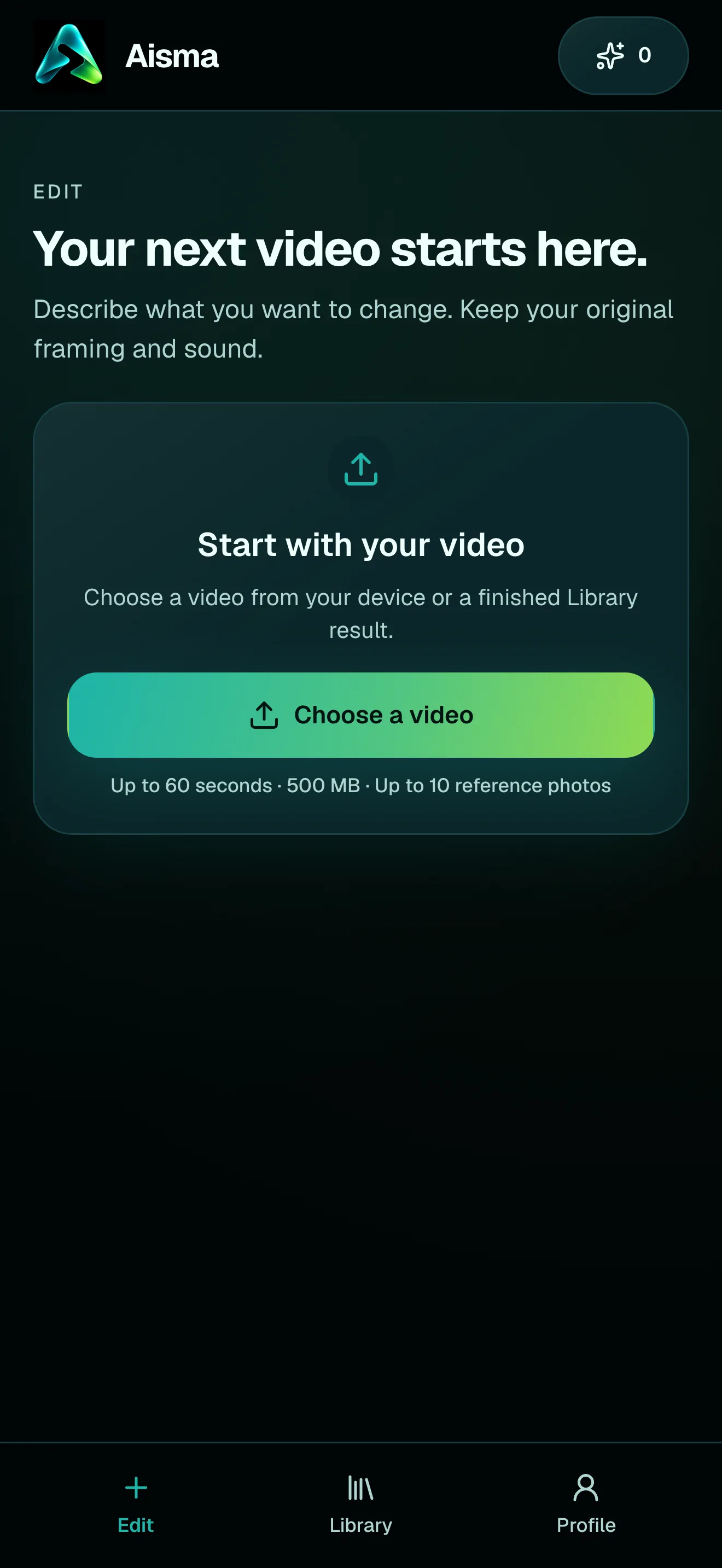
AT A GLANCE
LENGTH
Aisma edits the whole clip you upload, from 2 seconds up to the full 60. That’s longer than most AI video tools take in one go, and your request applies across all of it: a clip with several shots or quick cuts comes back as one edited video of the same length.
Have a longer video? Edit it in parts of up to 60 seconds each. To see one request carried through a whole clip, look at the real edits on our video to video AI page.
FILES AND SHAPES
Choose one video from your phone or computer, as an MP4 or MOV file of up to 500 MB. You can also start from a finished edit in your Library and change it again.
Vertical, square and horizontal clips all work, from 9:32 tall to 32:9 wide. The edit comes back in the shape you filmed, with nothing cropped, in 720p or 1080p.
PHOTOS
Reference photos are optional. Add up to 10 per edit, as JPEG, PNG or WebP files of up to 20 MB each, when a specific face, garment, product or place matters. Our article on reference photos covers what to photograph and how to name each one in your request.
HOW IT WORKS
MP4 or MOV, 2–60 seconds, up to 500 MB. Your original framing is kept.
In plain words. Add up to 10 photos when a specific look matters.
Pick 720p or 1080p. Aisma shows the credits first, and the finished edit arrives in your private Library.
A FEW GOOD QUESTIONS
Yes, in parts. Cut it into clips of up to 60 seconds and edit each one; every part comes back with its own length, framing and sound.
MP4 and MOV files of up to 500 MB, 2 to 60 seconds long, from your phone, your computer or your Library.
Yes. Vertical, square and horizontal clips all work, from 9:32 tall to 32:9 wide, and the edit keeps the shape you filmed.
Yes. Clips with several shots or quick cuts work too, and your request applies in every shot unless you give it a time, such as “from 0:05 to 0:12.”
An MP4 in 720p by default, or 1080p if you pick it before you generate, as long as your clip and with its original audio. Our article on what you download has the rest.
Write to support@aisma.ai, or open the help center for every other answer.