 aisma
How long can a video be in Aisma?
Clips of 2 to 60 seconds, the files and shapes Aisma takes, and photo sizes.
Video length and formatsYou download an MP4 of your whole edited video, in 720p by default or 1080p if you pick it before you generate, with the length, framing and original audio of your clip. It waits in your private Library, where Save video keeps the file on your device and Share sends it on.
Updated November 20, 2026
Jump to the questions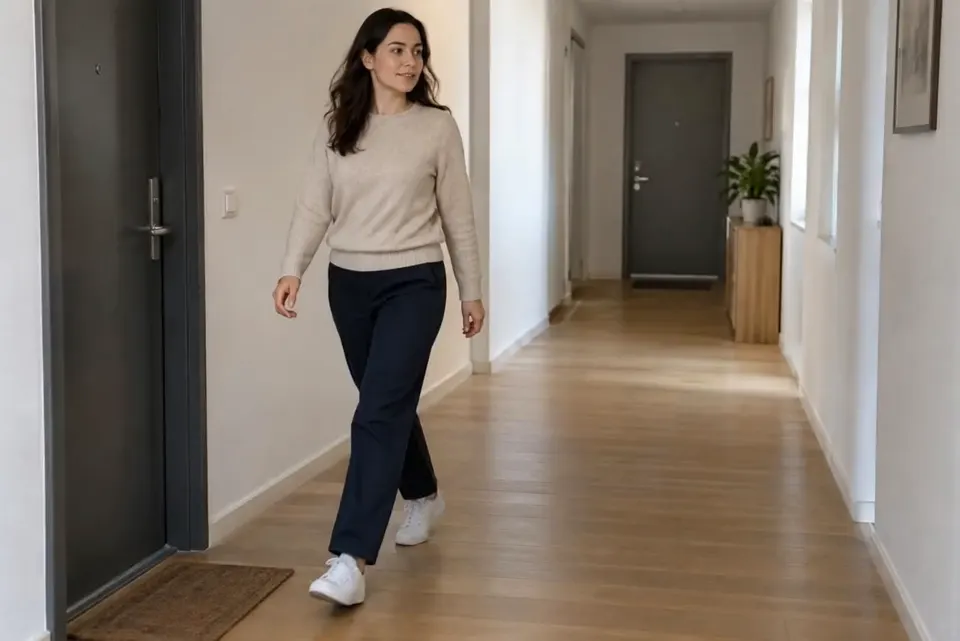
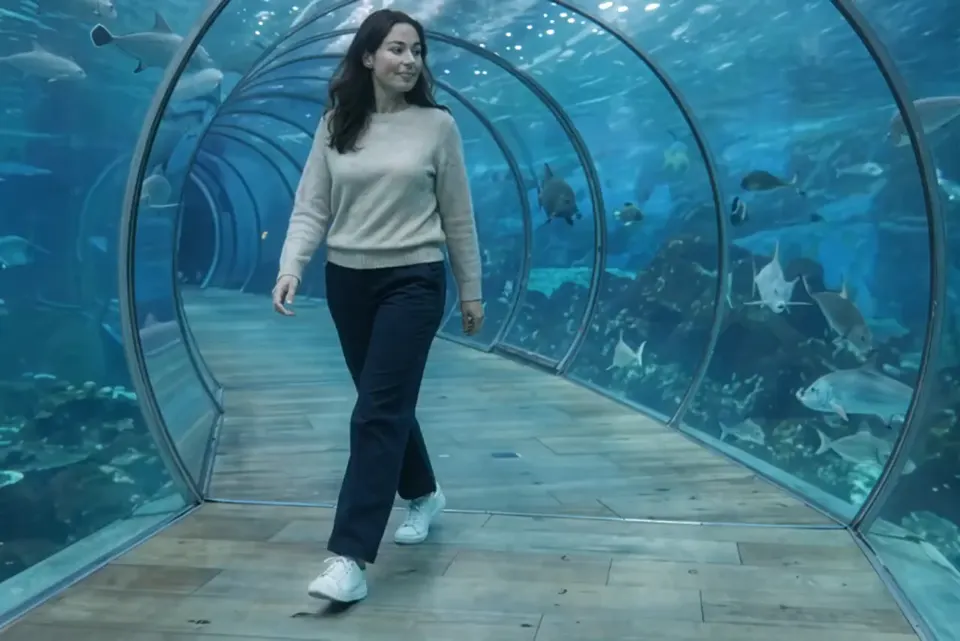
change the corridor to an underwater tunnel with fish
WHAT YOU GET
ONE PART, ANOTHER TRY
If one moment needs another try, you don’t have to start over. Open Clips under the finished video, pick the clip and add a clarification, such as “keep his dark olive shirt.” Aisma shows that clip’s price in credits before it renders, then updates the full video for you.
Earlier versions stay with the clip, so you can switch back to one. A part that fails or doesn’t pass the automatic safety check isn’t charged. To follow a whole edit from the clip to the finished video, read how to edit a video with AI.
HOW IT WORKS
MP4 or MOV, 2–60 seconds, up to 500 MB. Your original framing is kept.
In plain words. Add up to 10 photos when a specific look matters.
Pick 720p or 1080p. Aisma shows the credits first, and the finished edit arrives in your private Library.
A FEW GOOD QUESTIONS
Yes. Pick 1080p before you press Generate; otherwise the edit comes in 720p. Every account gets both qualities.
In your private Library. The task page shows progress while Aisma works, and the finished edit appears in your Library; sign in and it comes with you to every device.
Without an active weekly plan, 72 hours after it finishes, so save the file soon. With an active plan, your Library stays while the plan is active and for 72 hours after it ends.
Yes. Recreate the edit from your Library, change the request and generate again.
Yes. Delete any finished task from its menu in your Library whenever you like.
Write to support@aisma.ai, or open the help center for every other answer.