 aisma
How long can a video be in Aisma?
Clips of 2 to 60 seconds, the files and shapes Aisma takes, and photo sizes.
Video length and formatsAn edit takes minutes, and a longer clip takes longer, since Aisma edits every second of your clip, which can run from 2 to 60 seconds. The task page shows its progress and the finished video appears in your private Library, so you can close the page once Aisma has what it needs.
Updated November 22, 2026
Jump to the questions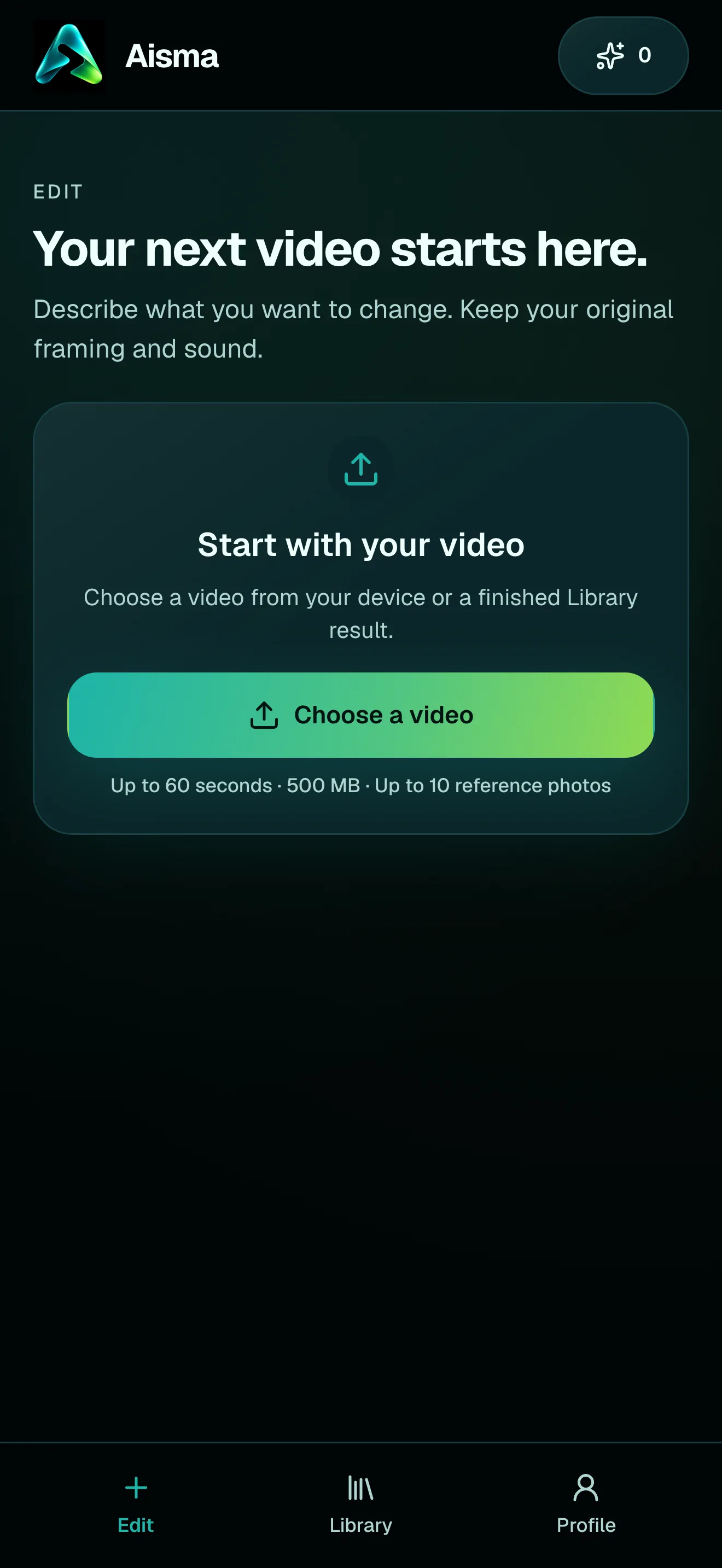
AFTER GENERATE
FIRST, A QUICK LOOK
When you press Generate on the web, the task page opens and Aisma looks over your whole clip, your request and any photos you added. The page asks you to stay for this check and any question that follows. When nothing needs an answer, it tells you so, “Aisma has everything it needs. You can leave; your video will appear in Library,” and the edit carries on without you.
In the iPhone and Android apps, your new task appears at the top of your Library with its progress, and Aisma goes straight on to the edit.
A QUESTION OR TWO
Sometimes a request can be read two ways, such as which photo goes with which person in a clip with two people. Then Aisma asks before it renders: up to five short questions, each with a picture from your clip or one of your photos and a few answers to tap. While they wait, your Library card shows “Question for you” with the time left.
Answer them and the edit goes on at once. If you don’t answer within about five minutes, Aisma goes with its own best reading, the one it uses when it doesn’t ask, and never adds an edit you didn’t request. To skip a question, put the detail in your request; our article on several people in one clip shows how to say who gets which photo.
PROGRESS
While Aisma works, the task page shows its progress, first “Creating your video,” then “Finishing your video” as Aisma puts the whole edit together with your original audio. It reaches 100% once the whole video is ready.
You can close the page whenever you like: the edit keeps going, and the finished video appears in your Library, where you can watch it, save it and share it. Sign in and it comes with you to every device. Our article on what you download covers the file, and our guide on how to edit a video with AI follows one real edit from upload to result.
HOW LONG
Aisma edits the whole clip you upload, every shot of it, from 2 seconds up to the full 60. A short clip is ready sooner than a 60-second one, and either way it comes back as one video with your clip’s length, framing and sound.
On the web, a new account can prepare its first three edits before paying: Aisma studies the clip and asks a few quick questions. Rendering uses credits, and once your balance covers the price, the prepared edit starts by itself with the answers you gave.
HOW IT WORKS
MP4 or MOV, 2–60 seconds, up to 500 MB. Your original framing is kept.
In plain words. Add up to 10 photos when a specific look matters.
Pick 720p or 1080p. Aisma shows the credits first, and the finished edit arrives in your private Library.
A FEW GOOD QUESTIONS
Only for the quick look at your clip on the web, and even then the edit goes on if you close it: a question you don’t answer takes Aisma’s choice after about five minutes. The finished video appears in your Library.
Because the answer changes what Aisma does in part of your clip, such as which photo goes with which person. Aisma asks on the web, at most five questions, and on a new account’s first edits it also checks its reading of your request with a question or two.
Yes. Aisma edits every second you upload, so a full 60-second clip takes longer than a short one. Our article on video length and formats has the clips Aisma takes.
In your private Library, on the web and in the apps. Open it to watch the whole video, then press Save video to keep the file on your device or Share to send it on.
Yes. Under the finished video, open Clips, pick the clip and regenerate it with a clarification; Aisma shows that clip’s price in credits first, then updates the whole video. Our article on redoing one clip has the steps.
Write to support@aisma.ai, or open the help center for every other answer.