 aisma
How long can a video be in Aisma?
Clips of 2 to 60 seconds, the files and shapes Aisma takes, and photo sizes.
Video length and formatsYes: save the MP4 from your Library and post it, or upload it to an ad, like any other video, as long as the footage and photos are yours to use and the people in them agreed. The edit keeps your clip’s framing, length and original audio, so a vertical clip stays vertical for Reels, TikTok and Shorts, and where a platform asks you to label realistic AI changes, you turn its label on as you post.
Updated November 24, 2026
Jump to the questions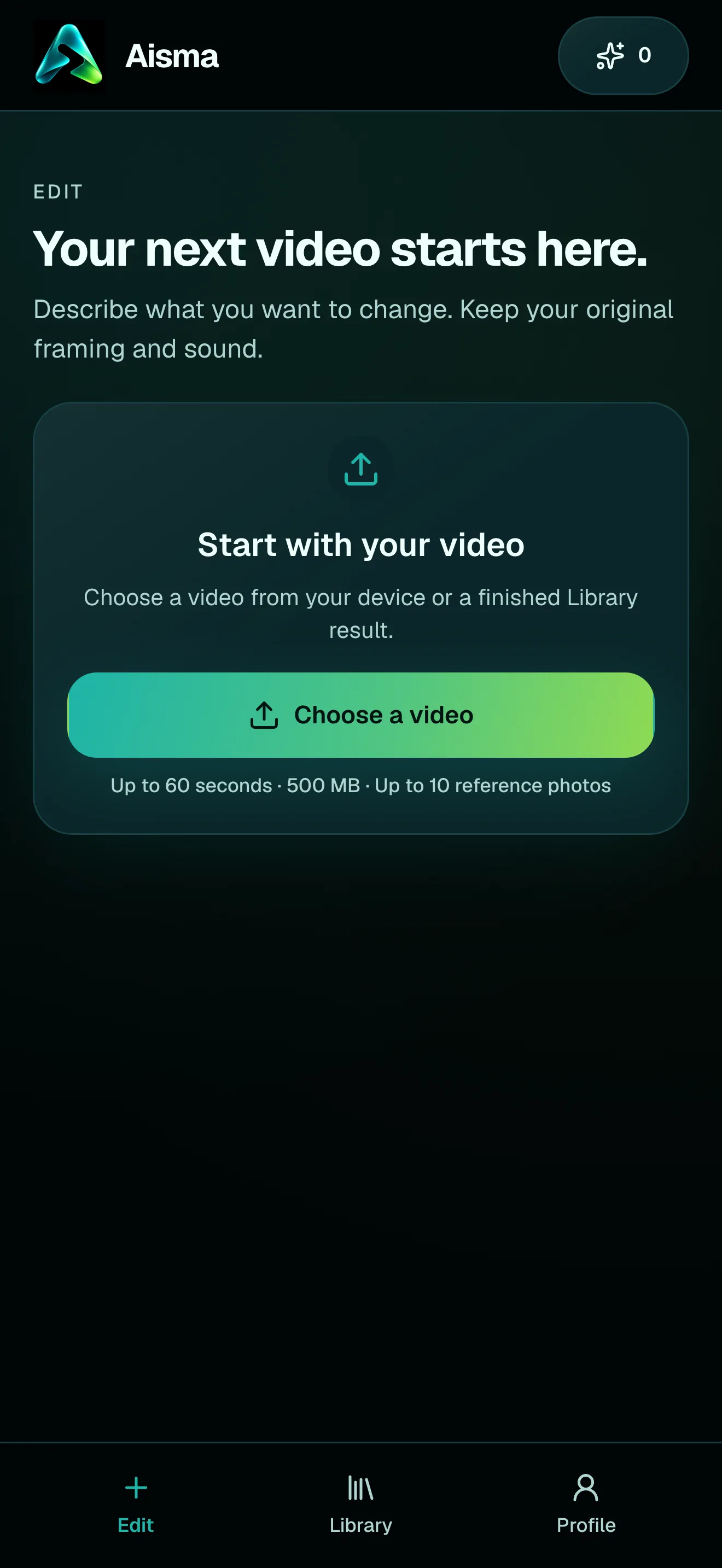
BEFORE YOU POST
SAVE AND POST
Open the finished edit in your Library and press Save video; in the apps, the file lands in your phone’s photo library. From there it goes into a post, a Story or an ad like any video you filmed, or into your editor for captions, music and an end card. For an ad, pick 1080p before you press Generate. Our article on what you download covers the rest.
SHAPES AND VERSIONS
A 9:16 phone clip comes back 9:16 for Reels, TikTok and Shorts, and a horizontal take stays wide for YouTube or a website, so film in the shape of the placement you plan.
Every version of one take keeps its length and timing, so the same captions, music and end card line up across all of them, and versions that differ in one thing let an A/B test read that one change. Our page on AI video editing for agencies shows one approved take turned into client versions, and our AI product swap page one perfume take in three bottles.
YOUR FOOTAGE
Our Terms of use set the rule for every account: you keep your rights in what you upload, and it has to be content you own or have permission to use, with the agreement of the people in it. They also rule out deceptive impersonation and passing an edit off as a real record of something that didn’t happen.
AI LABELS
Platforms ask you to say when a realistic video was made or meaningfully changed with AI, such as a real person shown doing something they didn’t. YouTube asks about it in YouTube Studio as you upload, Instagram and Facebook let you add Meta’s AI label, and TikTok has a setting to label AI-generated content.
Ads about social issues, elections or politics have their own disclosure rules, Meta’s among them. A look that is clearly not real, like an anime or clay restyle, usually needs no label; each platform’s help pages have its current wording.
HOW IT WORKS
MP4 or MOV, 2–60 seconds, up to 500 MB. Your original framing is kept.
In plain words. Add up to 10 photos when a specific look matters.
Pick 720p or 1080p. Aisma shows the credits first, and the finished edit arrives in your private Library.
A FEW GOOD QUESTIONS
Yes, when the footage and photos are yours to use and the people in them agreed to appear in the ad. Our Terms of use ask that of every account: you keep your rights in what you upload, and it has to be content you own or are allowed to use.
Vertical, 9:16. Aisma keeps the shape you filmed with nothing cropped, so the edit is ready for them; our article on editing a vertical video has tips for phone clips.
Where a platform asks, yes: YouTube, Instagram, Facebook and TikTok ask you to label realistic content made or meaningfully changed with AI. A clearly unreal look, like a cartoon restyle, usually needs no label there.
Yes. Aisma keeps your clip’s original audio, so the voiceover and any music in your clip play under the new picture. Add music for the ad in your editor after you save the file.
Yes, one edit per version: recreate the edit from your Library, change the request or the product photo and generate again; nothing is charged until you press Generate.
Write to support@aisma.ai, or open the help center for every other answer.