 aisma
How long can a video be in Aisma?
Clips of 2 to 60 seconds, the files and shapes Aisma takes, and photo sizes.
Video length and formatsChoose the clip in the Aisma app for iPhone (iOS 16.4 or later) or upload it at aisma.ai in Safari, as the MOV or MP4 file your iPhone saved, HDR included, and describe the change. Aisma edits clips of 2 to 60 seconds and up to 500 MB in the shape you filmed, vertical or horizontal, with the original audio, and Save video in your private Library keeps the finished edit on your iPhone.
Updated November 25, 2026
Jump to the questions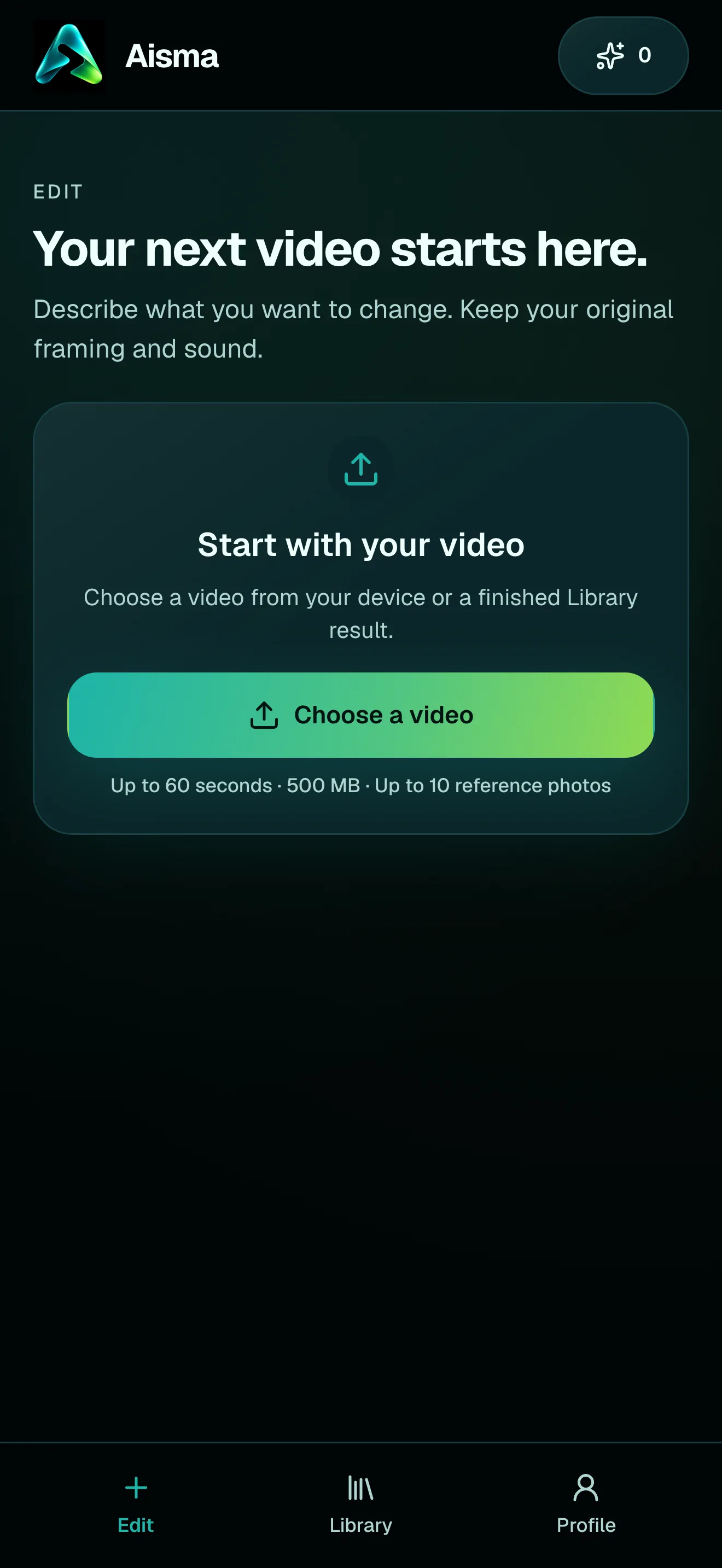
AT A GLANCE
THE APP OR SAFARI
In the Aisma app for iPhone, choose the clip from your camera roll, write the change, such as “change the sky to a sunset, keep us as filmed,” and generate. At aisma.ai in Safari, upload it from your iPhone the same way, or from a Mac or PC once you’ve copied it over. Sign in and your Library and credits come with you to every device.
Pick the original from your camera roll rather than a copy sent through a chat app, which carries less detail. For more requests to type, see our page on editing a video with a prompt.
MOV, HDR AND 4K
iPhones save video as MOV files, and Aisma takes them as they are, like MP4 files, with nothing to convert first: one clip of 2 to 60 seconds and up to 500 MB per edit, every shot in it included.
Recent iPhones film HDR video by default, and an HDR clip uploads as it is. Aisma converts the HDR picture to standard dynamic range as it prepares your clip, so the edit comes back as a standard MP4, ready for any app or editor.
4K and 60 fps clips work too. The edit comes back in 720p or 1080p at 24 fps, so for 4K footage pick 1080p before you press Generate. Our article on video length and formats has the full list.
BACK ON YOUR IPHONE
The finished edit waits in your private Library, as long as your clip, in the shape you filmed and with its original audio. In the app, Save video puts it in Photos; in Safari, Save video keeps the file on your iPhone, and Share sends it on from either. Our article on what you download covers the rest.
Filmed it vertical for Reels, TikTok or Shorts? Our article on editing a vertical video has tips for clips in portrait.
HOW IT WORKS
MP4 or MOV, 2–60 seconds, up to 500 MB. Your original framing is kept.
In plain words. Add up to 10 photos when a specific look matters.
Pick 720p or 1080p. Aisma shows the credits first, and the finished edit arrives in your private Library.
A FEW GOOD QUESTIONS
Yes. Aisma takes the MOV or MP4 file your iPhone saved as it is, 2 to 60 seconds long and up to 500 MB, in the app or at aisma.ai in Safari.
Yes. Upload it as it is: Aisma converts the HDR picture to standard dynamic range as it prepares your clip, and the edit comes back as a standard MP4.
Yes. Horizontal, vertical and square clips all work, from 9:32 tall to 32:9 wide, and each comes back in the shape you filmed with nothing cropped.
One with iOS 16.4 or later, and the app runs on iPad too. Aisma also works at aisma.ai in Safari; sign in and your Library and credits come with you.
Write to support@aisma.ai, or open the help center for every other answer.