 aisma
On a person
Glasses, a hat or a backpack: say who wears it and where, as in “put a red knit beanie on the girl on the left.” Her face and her moves stay as filmed.
Point to one personUpload the clip to Aisma, 2 to 60 seconds of it, and say in a sentence what to add and where, such as glasses on the man at the table or a framed poster on the wall behind you, with a photo of the item when it has to be that exact one. Aisma adds it where you said, at a natural size, and keeps everything you filmed, from the faces to the camera move and the sound.
Updated November 27, 2026
Jump to the questions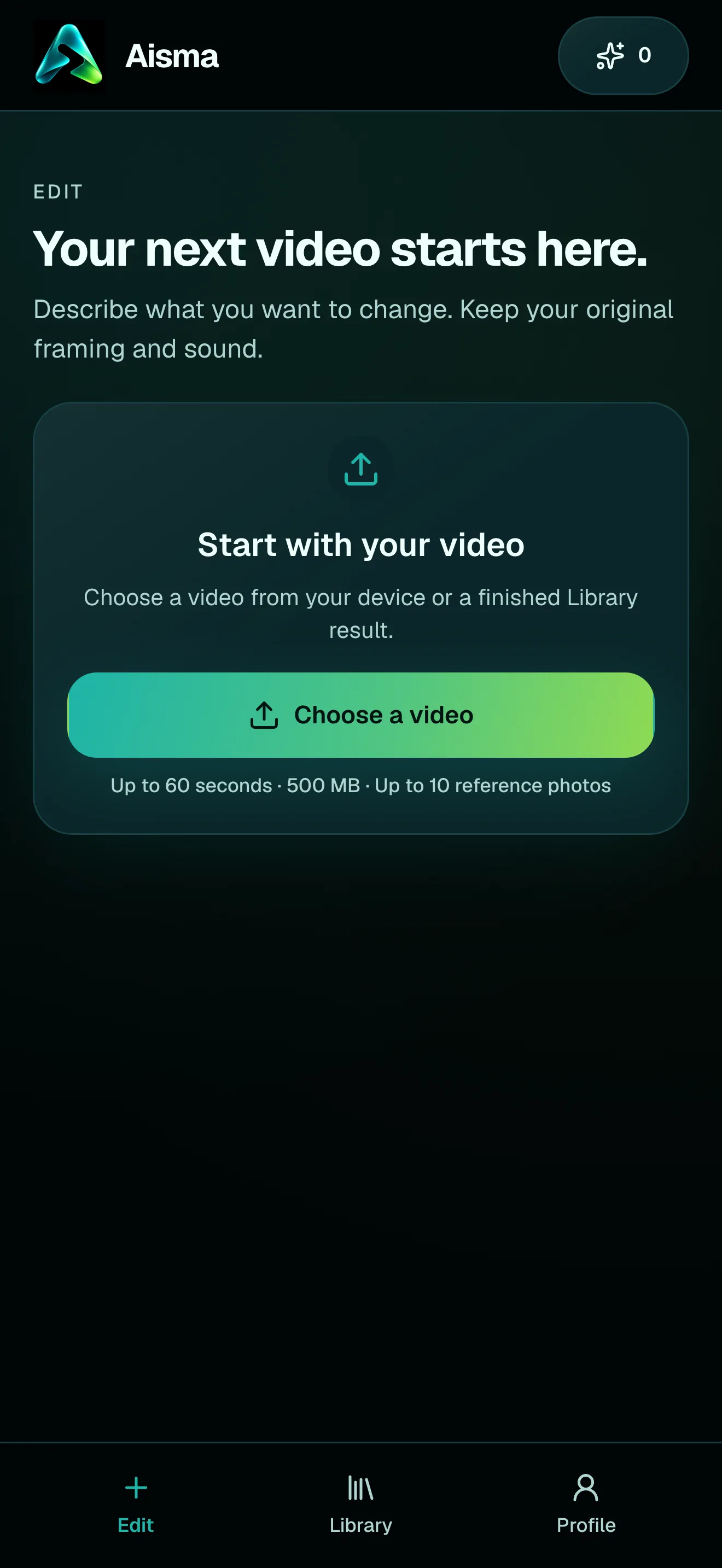
WHAT YOU CAN ADD
Glasses, a hat or a backpack: say who wears it and where, as in “put a red knit beanie on the girl on the left.” Her face and her moves stay as filmed.
Point to one personA mug, a plant or a product you sell, placed the way our product swap page puts it: “put the candle from Photo 1 on the left side of the desk.”
Place a productA framed poster, a wreath or a neon sign shaped like a lightning bolt, named by the wall it goes on.
Word your requestSnow falling past the window or petals drifting down are effects: say what moves and where, as on our AI video effects page.
See AI video effectsWHAT TO TYPE
Name the thing with a color or a detail and say where it goes, such as “on her head,” “in his left hand” or “on the left side of the desk,” then add a sentence for what stays. Requests like these add one thing each:
WORDS OR A PHOTO
Words are enough for a red knit beanie or a potted cactus. For one exact item, such as your own mug or a product you sell, add a clear photo of it on a plain background and point to it as Photo 1: Aisma takes its design, shape and colors from the photo. Our article on reference photos covers what to photograph.
WHAT STAYS
The people keep their faces, clothes and moves, the camera keeps its move, and your audio plays as recorded.
To have it appear partway through, add a time, as in “from 0:05, put a party hat on him”; our article on editing part of a clip has more ways to say when.
A THING OR AN EVENT
What you add here stays in the shot, like glasses or a poster. Something that happens in the frame, such as petals flying off a bouquet or a mug floating up, is an effect, and our article on adding effects to a video covers it. For more requests to borrow, see our page on editing video with an AI prompt.
REAL EDITS
HOW IT WORKS
MP4 or MOV, 2–60 seconds, up to 500 MB. Your original framing is kept.
In plain words. Add up to 10 photos when a specific look matters.
Pick 720p or 1080p. Aisma shows the credits first, and the finished edit arrives in your private Library.
A FEW GOOD QUESTIONS
Yes. In Aisma you name the object and where it goes, such as “put a red knit beanie on the girl on the left,” and the rest of the clip stays as filmed.
No, not for a common thing. For one exact item, add a JPEG, PNG or WebP photo of up to 20 MB and call it Photo 1 in your request.
Up to 60 seconds: an MP4 or MOV of 2 to 60 seconds and up to 500 MB, vertical, square or horizontal. Our article on video length and formats has the rest.
An MP4 of your clip with the new thing in it, in 720p by default or 1080p if you pick it before you generate, with the clip’s length, framing and original audio. Our article on what you download covers the rest.
Write to support@aisma.ai, or open the help center for every other answer.