 aisma
How long can a video be in Aisma?
Clips of 2 to 60 seconds, the files and shapes Aisma takes, and photo sizes.
Video length and formatsYes, AI can change someone’s hair color in a video: upload the clip to Aisma, 2 to 60 seconds of it, describe the new color in a sentence, such as “change her dark brown curls to copper red,” and name the person if several are in the shot. Aisma carries that color across the whole clip, while the face, your framing, the motion and the original sound stay as you filmed them.
Updated November 27, 2026
Jump to the questions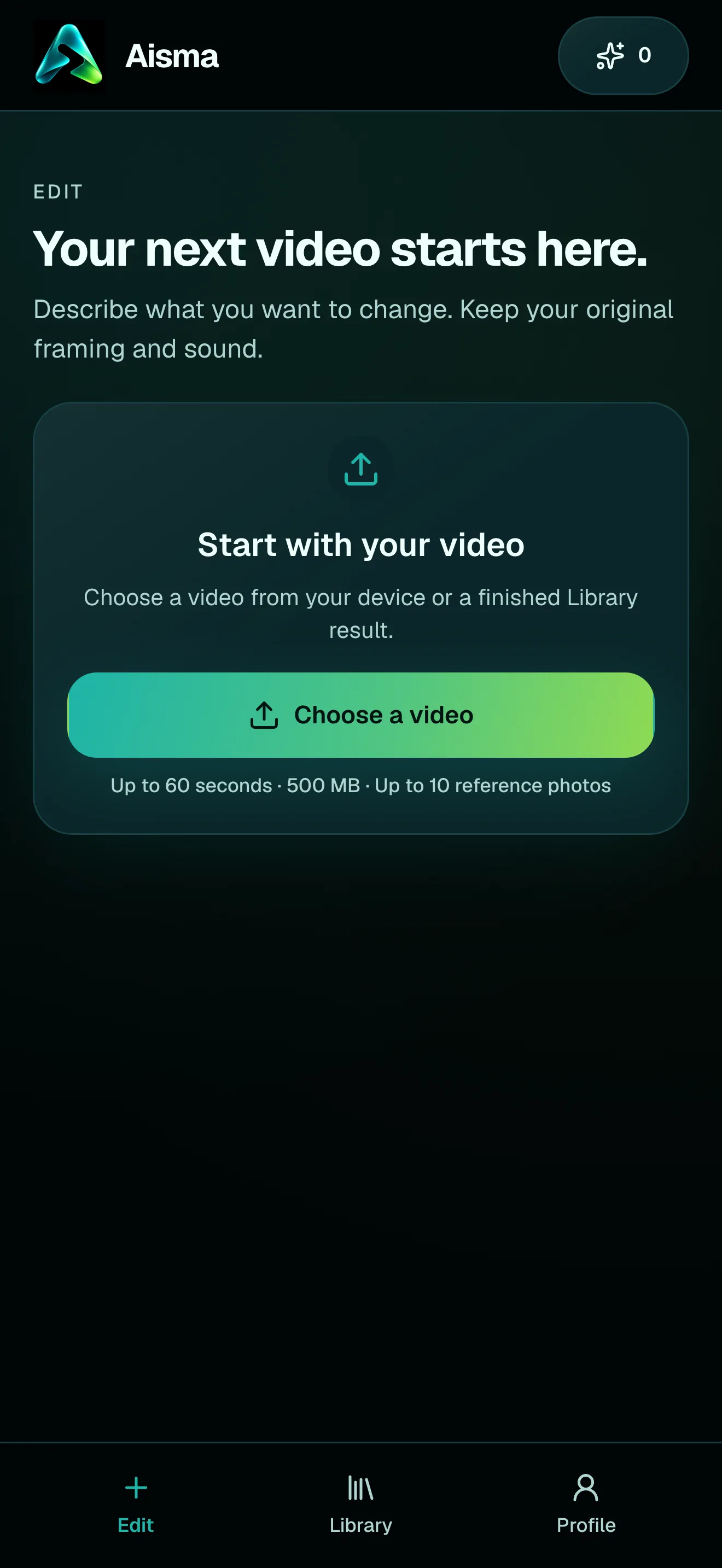
What stays
What changes
What you bring
One clip + a sentence for the new color + one for what stays
WHAT TO TYPE
Describe the shade the way you’d ask a stylist and name the old color too, then add a sentence for what stays, such as “Keep the cut and her face.” Requests like these work:
A REAL HAIR COLOR EDIT
In our hair color example, the wind lifts a woman’s dark brown curls by a pale wall. A written request with no photo turned them bright copper red: the curls still lift and fall with each gust, and her face, her white T-shirt and the camera stayed as filmed.
A new color works best with the hair in clear view and evenly lit. Name anything near it that must stay, like earrings or a beard.
WORDS OR A PHOTO
To match a look you have in mind, such as a salon photo, add it and say what it’s for: “change her hair to the color in Photo 1, keep her face as filmed.” Our article on reference photos covers how to label each photo.
Want a new face along with the hair? That’s a face swap, made from portraits of someone who agreed to it, as our article on face swapping a video explains.
WHOSE HAIR, AND WHEN
With two or more people in the shot, say whose hair changes and who stays: “Change only her hair to auburn. Keep his hair as it is.” Our article on several people in one clip has more ways to point.
For a reveal, add a time, as in “from 0:04, change her hair to bright pink”; before it, the original color stays. Our article on editing part of a clip has more ways to say when.
WHAT STAYS
The face, the clothes and every move stay as filmed, and your audio plays as recorded. The edit comes back as an MP4 in 720p or 1080p in your private Library: our article on what you download covers the rest, and our page on editing video with an AI prompt has more requests to borrow.
HOW IT WORKS
MP4 or MOV, 2–60 seconds, up to 500 MB. Your original framing is kept.
In plain words. Add up to 10 photos when a specific look matters.
Pick 720p or 1080p. Aisma shows the credits first, and the finished edit arrives in your private Library.
A FEW GOOD QUESTIONS
No. Words are enough, as the copper red in our example shows. Add a photo when the hair has to match a particular look.
Ask for them in your second sentence: “Keep the same curls and the cut.” Our example’s copper curls kept the volume of the brown ones.
Up to 60 seconds: an MP4 or MOV of 2 to 60 seconds and up to 500 MB, vertical, square or horizontal. Our article on video length and formats has the rest.
Yes, in the app for iPhone and iPad (iOS 16.4 or later), in the Android app or at aisma.ai in your phone’s browser.
Yes. Your clip, your photos and the finished edit are private to your account, each opened through a short-lived link.
Write to support@aisma.ai, or open the help center for every other answer.